How to Check All Traffic Fines Linked to Your CNIC (Batch Lookup) — 2025 Guide
Checking all traffic fines linked to your CNIC is now fast and simple using the official CNIC-based batch lookup system introduced across Pakistan. Instead of searching challans vehicle by vehicle, you can now enter your 13-digit CNIC once and instantly see every traffic fine connected to your identity, including challans issued to vehicles you currently own, previously owned, or that are still registered under your name.
This feature is extremely useful if you:
- Own multiple vehicles
- Recently sold or purchased a car or bike
- Misplaced your number plate details
- Want your complete challan history
- Are preparing for license renewal, vehicle transfer, or motorway travel
With camera enforcement expanding nationwide, staying updated on all fines attached to your CNIC helps you avoid late penalties and record blocks.
What Is CNIC Batch Lookup for Traffic Fines?
Batch lookup means checking multiple challans using just your CNIC, without needing individual vehicle numbers.
The system pulls data from:
- Your CNIC
- Vehicle ownership history
- Registered mobile number
- Driving license records
It returns all challans linked to you — pending and paid — across different vehicles and regions.
How to Check All Traffic Fines Linked to Your CNIC – Step-by-Step
Step 1: Visit the Official e-Challan Portal for Your Region
Choose the portal relevant to where violations may have occurred:
- Punjab: https://echallan.psca.gop.pk
- Islamabad (ITP): https://itp.gov.pk
- Sindh (Karachi & cities): https://challan.sindhpolice.gov.pk
- KPK: https://kptp.gov.pk
- Motorway Police (NHMP): https://nhmp.gov.pk
Step 2: Select “Check by CNIC” / “Batch Lookup”
- Enter your 13-digit CNIC (without dashes)
- Some portals may also ask for:
- Mobile number (for OTP verification)
- Vehicle number (optional, but not required)
Step 3: Complete Verification
- Enter the OTP sent via SMS or solve the captcha challenge
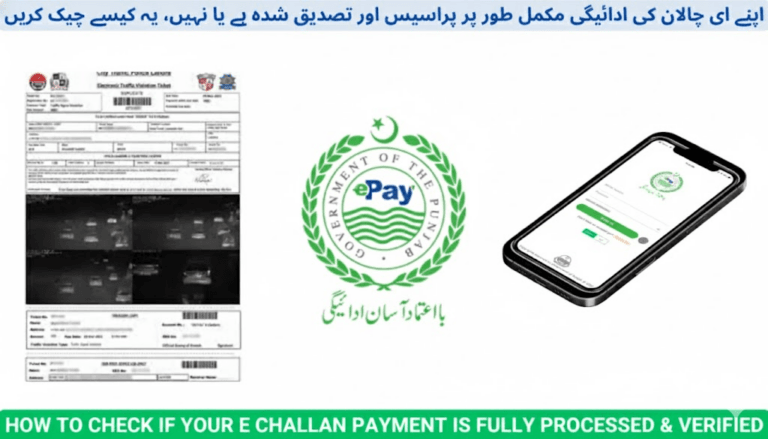
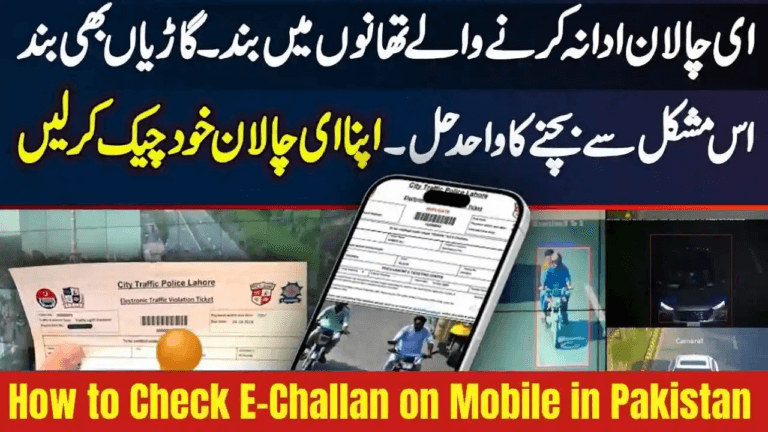
Step 4: View Your Complete Challan History
You will see a full list of challans linked to your CNIC, including:
- Pending unpaid fines
- Paid challans
- Violation type (speeding, red-light, parking, helmet, seatbelt, etc.)
- Date, time & location
- Fine amount
- Camera-based snapshot indicators
- Downloadable PDF challan slips
This works even if you no longer remember vehicle numbers or plates.
How to Pay Challans Found via CNIC Lookup
Once you identify the pending challans, you can pay them immediately using these official methods:
1. JazzCash
- Go to Traffic Challan
- Enter your CNIC or challan PSID
- Confirm and pay
2. Easypaisa
- Select e-Challan / Traffic Fine
- Use CNIC lookup
- Pay directly
3. ATM or Online Banking
- Choose Bill Payment → e-Challan
- Enter your PSID
- Complete the transaction
4. Bank Branch Counter
- Visit any supported bank branch
- Provide your PSID or CNIC
- Pay over the counter
Payments update automatically in traffic police systems.
Benefits of CNIC-Based Batch Challan Lookup
- No need to remember number plates
- View fines from multiple vehicles at once
- Identify challans still attached to vehicles you sold
- Prevent late-payment penalties
- Essential before:
- Vehicle ownership transfer
- License renewal / upgrade
- International driving permit application
- Token tax payment
- Long motorway travel
- Helpful for fleet owners, families, and employers tracking vehicles under one CNIC
Common Reasons Challans Are Linked to Your CNIC
- Speed-camera violations
- Red-signal crossing
- Wrong-lane or U-turn violations
- Illegal parking
- Helmet or seatbelt violations
- Mobile phone use while driving
- Motorway overspeeding
- Vehicles still registered under your CNIC after sale
- Driving license or token tax expiration
FAQs — CNIC Batch Lookup for Traffic Fines
Can I check traffic fines without a vehicle number?
Yes. CNIC lookup works without plate numbers, showing all fines linked to your ID.
Is CNIC lookup available in all Pakistan provinces?
Yes. The service is supported by:
- Punjab (PSCA)
- Islamabad (ITP)
- Sindh Police
- KPK Traffic Police
- Motorway Police (NHMP)
Can I see challans for a vehicle I sold?
Yes. If ownership transfer is not yet updated in Excise records, challans will still appear under your CNIC until the transfer completes.
Is there any fee to use CNIC batch lookup?
No. All official challan lookup services are completely free.
How do I remove a wrong challan from my CNIC?
You must file a dispute with evidence through:
- The traffic police complaint desk (local office)
- Official helpline numbers
- Online dispute or grievance forms on regional portals
Once verified, the challan can be cancelled and removed from your record.
Final Advice
The CNIC batch lookup system is the most powerful way to stay updated on your entire traffic fine history in Pakistan. A quick monthly check can save you from:
- Unexpected registration blocks
- Delayed license renewals
- Motorway access issues
- Penalty increases
Regular monitoring ensures a clean driving record and hassle-free vehicle management in Pakistan’s fully digital traffic enforcement era.