How to Check E-Challan Status in Pakistan – Paid or Unpaid Verification 2026
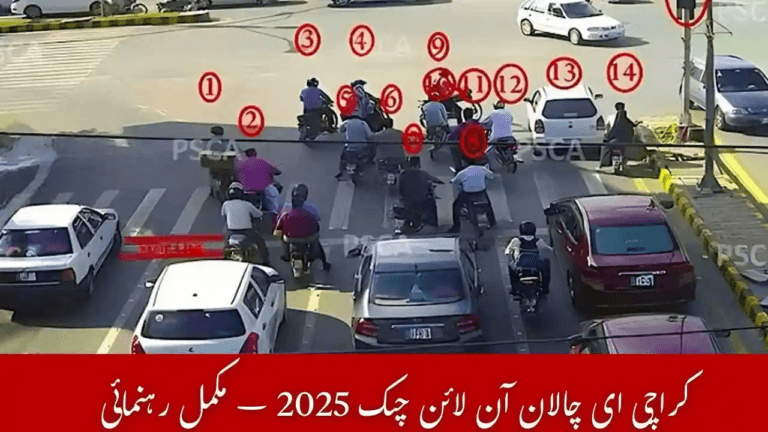
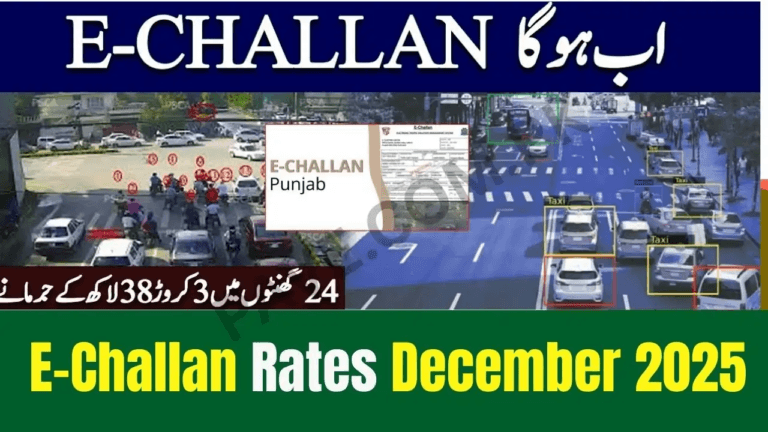
Checking e-challan status in Pakistan has become an essential part of traffic management nationwide. Whether you live in Punjab, Sindh, Islamabad, or Khyber Pakhtunkhwa, traffic violations are now monitored through advanced cameras, ANPR systems, and official verification portals.
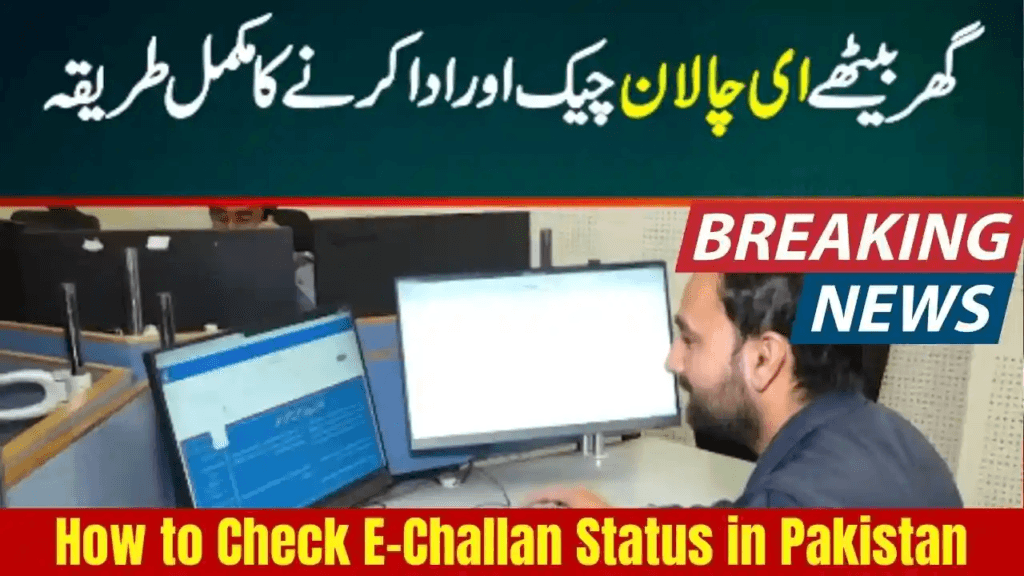
As we move into 2026, checking your e-challan status (paid or unpaid) is faster, easier, and completely online.
This guide explains all available methods to verify your challan, track payment status, avoid penalties, and keep your vehicle record clean. It also covers province-wise portals, SMS options, MTMIS integration, and common user issues.
For first-time users, a complete overview of the system is also explained in our e-challan guide.
What Is an E-Challan?
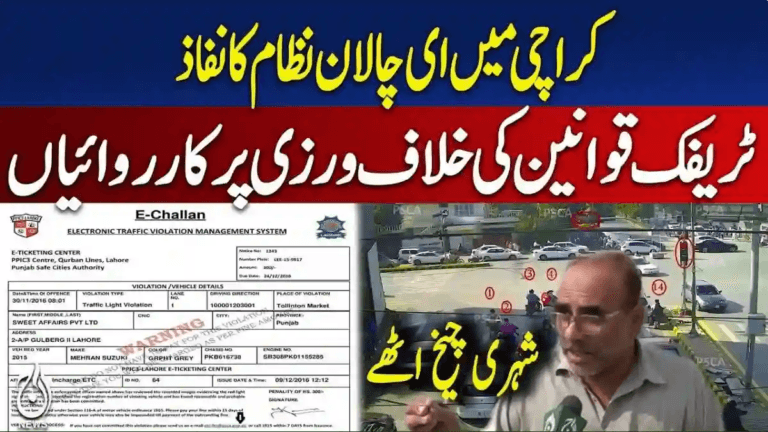
An e-challan is an electronic traffic fine issued automatically through Safe City cameras or by traffic police. It is generated when a vehicle commits a violation such as:
- Over-speeding
- Lane or one-way violation
- Red-signal jumping
- Wrong parking
- Missing or fake number plates
- Driving without M-Tag on motorways
- Expired vehicle documents
All challans are stored in a digital traffic system, which allows drivers to verify their status online at any time.
How to Check E-Challan Status in Pakistan (2026 Updated Methods)
Pakistan now offers multiple official ways to verify whether a challan is paid or unpaid. Below are the most reliable methods used in 2026.
Check E-Challan Status via Punjab Safe City Authority (PSCA)
This is the most commonly used method across Lahore, Rawalpindi, Faisalabad, Multan, Gujranwala, Sialkot, and many other cities.
Steps
- Visit the echallan.psca.gop.pk
- Enter your vehicle registration number and CNIC
- Click Search
The system shows:
- Paid and unpaid challans
- Date and time of violation
- Camera location
- Image proof (if available)
Payment updates usually reflect within minutes after online payment.
Check E-Challan Status in Islamabad
Islamabad Traffic Police operates its challan system through the Safe City project.
Steps
- Open the official Islamabad Safe City e-challan system
- Enter vehicle number or CNIC
- View challan history and payment status
The system can also notify drivers when a new challan is issued.
Check Sindh E-Challan Status (Karachi & Other Cities)
Sindh Police provides online challan tracking, particularly for Karachi.
Steps
- Visit the Sindh & Karachi e-challan check portal
- Enter your vehicle registration number
- View pending and paid challans
With expanding Safe City coverage in Sindh, regular checking is recommended.
Verify E-Challan Through MTMIS (All Provinces)
MTMIS databases in Punjab, Sindh, Islamabad, and KPK are now synced with Safe City records.
How MTMIS Helps
- Displays unpaid challans linked to a vehicle
- Useful during vehicle buying or selling
- Helps avoid transfer and registration problems
Many drivers use MTMIS alongside Safe City portals for double verification.
Check E-Challan Status via Bank & Wallet Apps
Most digital banking apps now allow challan status checks, including:
- JazzCash
- Easypaisa
- HBL, Meezan, UBL, Allied Bank, and others
After entering your vehicle number or PSID, apps show the current status. This method is often used after following the steps explained in how to verify e-challan payment.
How to Confirm Whether Your E-Challan Is Paid or Unpaid
1. Paid Status Through PSCA Portal
- Revisit the echallan.psca.gop.pk page.
- Enter your vehicle details.
- Paid challans will show “ Paid” with transaction ID.
2. Payment Verification in Bank App
Most bank apps display the receipt inside:
Menu → Payment History → Challan Payments
3. Payment Verification Through SMS (Motorway / M-Tag Users)
For M-Tag challans:
Send:Mtag <your M-tag ID>
To: 1301
You will receive a complete challan report.
Common Problems When Checking E-Challan Status
E-Challan Not Showing Online
This is usually a system delay. Refresh the portal or try MTMIS after a few minutes.
Paid Challan Still Showing Unpaid
Banks and wallets may take 10–20 minutes to sync. Recheck both the Safe City portal and your receipt.
Wrong E-Challan Issued
You can file an appeal through relevant Safe City authorities using CNIC, vehicle documents, and supporting evidence.
Tips to Avoid E-Challans in 2026
- Keep number plates visible and clear
- Install M-Tag before motorway travel
- Avoid over-speeding and red-signal jumping
- Follow lane discipline
- Keep vehicle documents up to date
- Regularly check challan status online
Conclusion
Checking e-challan status in Pakistan has become fully digital and user-friendly in 2026. Whether you want to confirm payment, review a violation, or ensure no pending fines remain, Safe City portals, MTMIS, mobile apps, and SMS services provide reliable access.
By regularly monitoring your challan status, you can avoid penalties, vehicle restrictions, and legal issues—keeping your driving record clean throughout the year.
For latest updates, guides, and verification links, visit e-challans.pk.
Frequently Asked Questions (FAQs)
How can I check if my e-challan is paid or unpaid?
You can verify status using Safe City portals, MTMIS, or banking apps.
Can I check e-challan with only a vehicle number?
Yes, most provinces allow verification using vehicle registration number.
How long does it take for payment status to update?
Usually 5–10 minutes, though sometimes it may take slightly longer.
Can I appeal a wrong challan?
Yes, appeals can be filed with Safe City or traffic police authorities.
Can I check challans for AFR vehicles?
Yes, verification is possible using CNIC and chassis number.