E Challan PSCA Online Check – How to View Punjab Traffic Fines in 2025
The Punjab Safe Cities Authority (PSCA) has made it easier than ever for citizens to check their traffic fines online. Whether you want to verify a Lahore e-challan, check pending violations from another district, or confirm payment status, the E Challan PSCA Online Check system provides instant access to your complete challan record across Punjab.
In 2025, the PSCA expanded its camera network, upgraded ANPR software, and improved digital monitoring accuracy across major roads, intersections, and highways. As a result, online challan verification has become faster, cleaner, and more reliable.
This guide explains:
- How the PSCA e-challan system works
- Step-by-step instructions to check challans online
- All available payment methods
- What to do if you receive a wrong challan
- How to avoid future fines
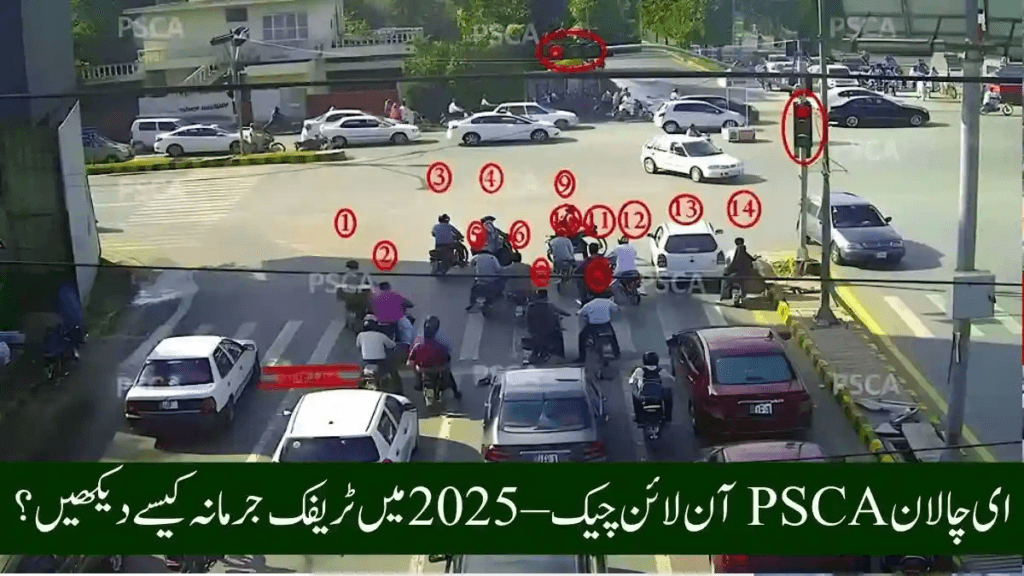
How the PSCA E-Challan System Works (2025)
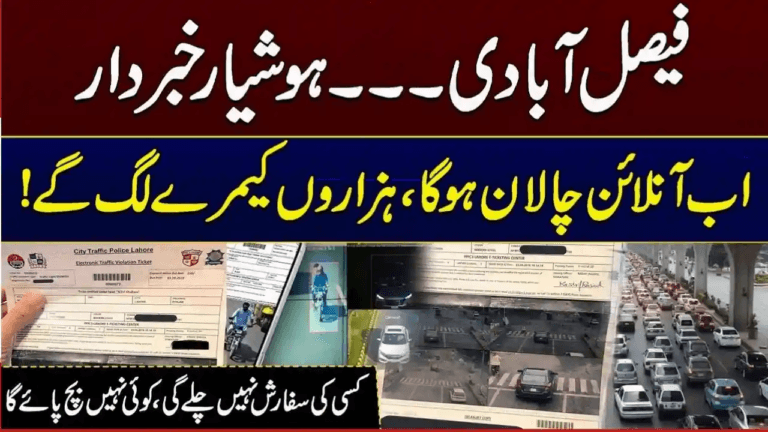
PSCA uses ANPR (Automatic Number Plate Recognition) cameras throughout Punjab, especially in Lahore and other large cities. These cameras automatically detect:
- Overspeeding
- Red-signal crossing
- Wrong-way or one-way violations
- Stop-line crossing
- Illegal U-turns
- Helmet violations (motorcycles)
- Using a mobile phone while driving
- Fancy or illegal number plates
- Lane discipline violations
Once a violation is detected:
- Vehicle number plate is scanned.
- Ownership data is pulled from Excise & Tax databases.
- A digital e-challan is generated automatically.
- The challan appears instantly on the PSCA portal.
- Printed notice and SMS alerts may also be sent (where records are updated).
This automated system removes manual discretion and ensures full transparency.
Why You Should Use E Challan PSCA Online Check
Using the online PSCA portal allows you to:
- Check Lahore e-challans instantly on mobile or PC
- Confirm pending or paid challans without visiting offices
- Avoid late penalties or enforcement action
- Download and print challan slips anytime
- View camera photo or video evidence
- Maintain your complete violation history
- Dispute incorrect challans with proof
With millions of vehicles registered in Punjab, online verification saves time and prevents unnecessary fines from increasing due to delays.
E Challan PSCA Online Check – Step-by-Step Guide
This method works for:
- Online e-challan Lahore
- E-challan check Punjab
- Any PSCA-covered district
Step 1 – Visit Official Website
Go to the PSCA e-challan portal (search “e challan PSCA online check” on Google).
Step 2 – Enter Vehicle Number
Type your complete registration number exactly as printed on your number plate.
Step 3 – Enter CNIC
Enter the CNIC of the registered vehicle owner.
Step 4 – Click “Check Challan”
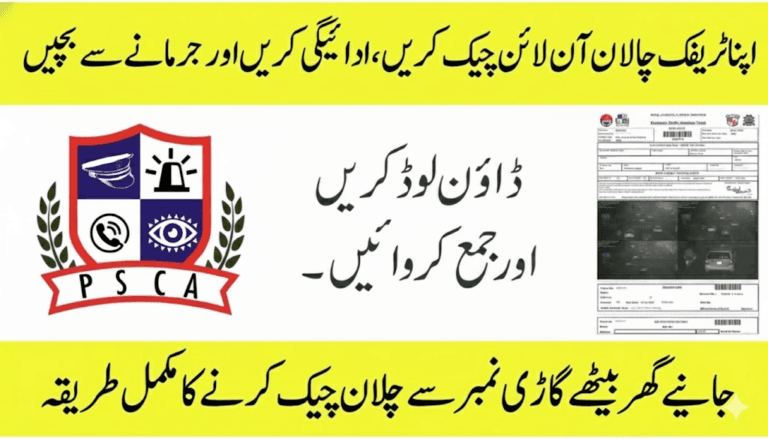
The system displays:
- All pending challans
- Past paid challans
- Payment status
- Violation photos/videos
- Date, time, and location
- Downloadable challan slip (PDF)
Step 5 – Download or Print Challan
You may:
- Save the challan PDF on mobile
- Print it for offline payment if needed
How to Pay E-Challan Online in Punjab (2025)
Punjab allows both digital and in-person payment, with automatic data updating.
1. Online & Mobile Banking
Most Pakistani banks support e-challan payments through:
- Mobile banking apps
- Internet banking portals
- ATM machines
Look inside your bank app for:
Government Payments → Traffic Challan / E-Challan
2. JazzCash & Easypaisa
You can also pay through:
- JazzCash app
- Easypaisa app
- Authorized agent shops
Simply choose:
Traffic Challan → Punjab → Enter CNIC or Challan ID → Pay
3. NADRA E-Sahulat Centers
Pay your challan at any authorized NADRA e-Sahulat outlet using CNIC or challan slip.
4. Bank Branch Payment
Cash payments are accepted at:
- Bank of Punjab
- National Bank of Pakistan
- HBL
- Allied Bank
Just submit your challan PDF or Challan ID at the counter.
Payment Status Update
Online payments usually update within:
30 minutes to 3 hours
Verify payment by rechecking the challan on the PSCA portal — it should appear as:
Status: PAID
Why Lahore Has the Most E-Challans
Lahore has Punjab’s largest Safe City camera network, covering nearly all major corridors:
- Mall Road
- Canal Road
- Jail Road
- Ferozepur Road
- Ring Road
- Liberty Roundabout
- Thokar Niaz Baig
- DHA
- Gulberg
- Johar Town
- Motorway interchange routes
With thousands of daily detections, online challan check Lahore remains one of the most searched traffic queries in Punjab.
Most Common Violations Triggering E-Challans
1. Helmet Violations
Motorcyclists riding without helmets are automatically fined.
2. Seatbelt Violations
AI cameras detect drivers not wearing seatbelts.
3. Red Light Jumping
Includes photo and video evidence.
4. Fancy or Illegal Number Plates
Unreadable plates are automatically flagged.
5. Overspeeding
Detected through highway radars and urban speed cameras.
6. Wrong-Way / One-Way Driving
Frequent in congested Lahore routes.
7. Mobile Phone Usage
AI cameras monitor hand positioning and screen glow.
All violations are displayed during:
- Online challan check Lahore
- E-challan Punjab online check
How to Avoid Receiving an E-Challan
Follow these rules:
- Always wear helmet (bikes)
- Wear seat belts
- Obey speed limits
- Follow traffic signals
- Use legal, standard number plates
- Avoid tinted windows
- Do not use mobile phones while driving
- Follow lane markings
- Observe one-way routes
These steps help you drive safely and legally.
What If You Receive a Wrong E-Challan?
Occasionally errors happen due to:
- Misread number plates
- Dirty or damaged plates
- Fancy fonts confusing AI
- Duplicate plates
- Old or incorrect registration data
- Low-quality camera angles
How to Correct a Challan:
- Visit PSCA Complaint Center or authorized traffic office
- Bring:
- CNIC
- Vehicle registration card
- Challan print
- Evidence (dashcam footage, photos, GPS logs, witness proof)
- Submit a dispute request
- Review usually resolves within a few working days
Benefits of Digital E-Challan System in Punjab
- No bribery or roadside disputes
- Faster enforcement
- Reduced traffic congestion
- Better accident prevention
- Accurate driver history tracking
- Identification of repeat offenders
- Increased public safety
Punjab remains among the fastest-digitizing traffic enforcement systems in South Asia.
Frequently Asked Questions – E Challan PSCA Online Check
1. How can I check my e-challan online in Punjab?
Use the PSCA e-challan portal and enter your vehicle number + CNIC.
2. Is online challan checking available 24/7?
Yes, it works anytime.
3. Can I check challan using only number plate?
Yes, paired with CNIC verification.
4. What is the fastest way to pay?
Mobile banking apps, JazzCash, and Easypaisa.
5. Can I check past challans?
Yes, complete challan history remains accessible.
6. What if I lost my challan slip?
No problem — download the same slip anytime from the PSCA online portal.
Final Summary
The E Challan PSCA Online Check system in 2025 provides the fastest and most reliable way for Punjab drivers to verify traffic fines, download challan slips, pay penalties digitally, and review violation evidence with full transparency.
With province-wide surveillance coverage and smart enforcement, regular online challan checking is now essential to avoid penalties and maintain a clean driving record.