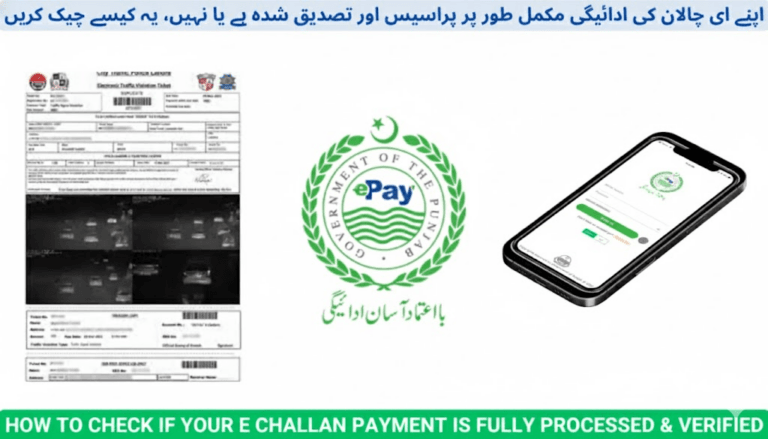
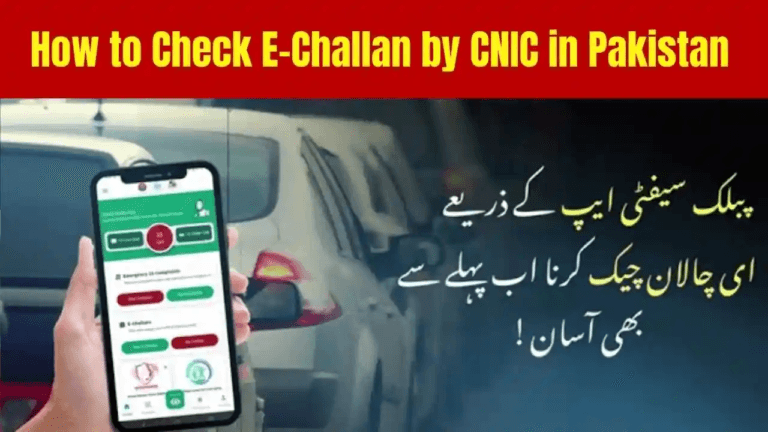
How to Pay Multiple Punjab e-Challans in One Transaction (2025 Complete Guide)
Paying several Punjab e-Challans one by one wastes time and increases the risk of missing a payment. In 2025, the Punjab Safe Cities Authority (PSCA) upgraded its e-Challan system so you can select all your pending challans and pay them together in a single transaction using one PSID — whether you use a bank app, ATM, JazzCash, or Easypaisa.
This guide shows you the safest, fastest, and officially supported methods to clear multiple challans at once and receive one consolidated receipt.
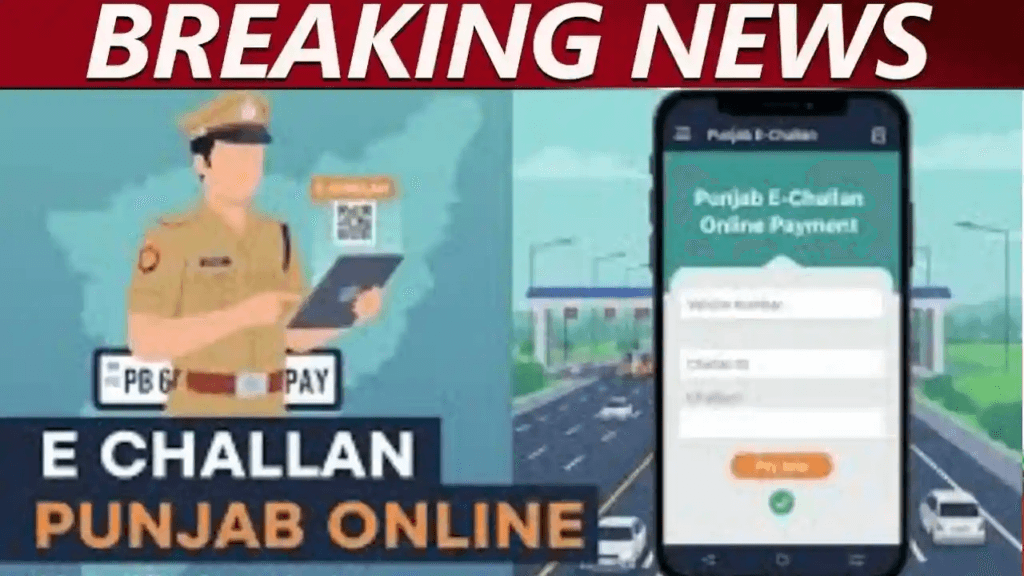
What Is Punjab e-Challan?
Punjab e-Challan is the digital fine system issued through PSCA Safe City cameras & ANPR for violations such as:
- Over-speeding
- Red-signal jumping
- Helmet / seatbelt violations
- Lane violations
- Mobile phone use while driving
- Illegal parking
- Number-plate issues
Challans can be searched using:
- Vehicle Registration Number
- CNIC
- Challan Number
- QR code from printed challan
How to Pay Multiple Punjab e-Challans in One Transaction
✅ Method 1 — PSCA e-Challan Portal (Best & Most Reliable)
This is the official combined-payment method and works for all users.
Steps:
- Open the PSCA e-Challan portal
https://echallan.psca.gop.pk/ - Enter your:
- CNIC or
- Vehicle Registration Number
- Click Search Challans
- A full list of all pending challans appears
- Check the boxes next to the challans you want to pay
- Click Pay Selected Challans
- The system generates ONE combined PSID
- Pay this PSID using:
- Bank mobile apps
- ATM
- JazzCash
- Easypaisa
All selected challans are paid together in a single transaction.
✅ Method 2 — Bank Mobile Apps (HBL, Meezan, UBL, MCB, etc.)
Most bank apps now integrate with PSCA and allow merged payments.
Steps:
- Open your bank app
- Go to
Payments → Government Payments → Punjab e-Challan - Enter your CNIC or vehicle number
- App displays all outstanding challans
- Select “Pay All”
- Confirm → single payment is made
Works directly without manually generating PSID on PSCA website in most apps.
✅ Method 3 — JazzCash (Single-PSID Method)
Used when bank apps don’t show bulk challan options.
Steps:
- First create a combined PSID via PSCA portal
- Open JazzCash App
- Go to Traffic Challan
- Enter the combined PSID
- Pay the full amount in one transaction
One payment clears all selected challans.
✅ Method 4 — Easypaisa
Same process as JazzCash:
Steps:
- Generate combined PSID on PSCA portal
- Open Easypaisa App
- Go to
Bill Payments → Traffic Challan - Enter PSID
- Confirm payment
Benefits of Paying Multiple Punjab e-Challans Together
- Saves time – one checkout instead of many
- One payment receipt for record keeping
- No repeated bank or wallet transaction fees
- Removes the risk of forgetting a challan
- Ideal for:
- People with multiple vehicles
- Fleet owners
- Company vehicles
- Motorway travelers before trips
Common Issues & Solutions
❌ One challan not appearing in list
Solution:
- Refresh portal
- Wait up to 24 hours (new challans sometimes update late)
❌ Payment deducted but challans still show unpaid
Solution:
- Wait 15–45 minutes
- Check again on PSCA portal
- Full status update may take up to 24 hours
❌ Challans appear for a vehicle already sold
Solution:
- Ownership transfer must be completed in MTMIS / Excise
- Until transfer finishes, challans remain linked to your CNIC
❌ Portal not generating combined PSID
Solution:
- Try from a different browser
- Disable ad-blockers
- Clear cache or try during non-peak hours
Important FAQs
✅ Can I pay all Punjab e-Challans together?
Yes. The PSCA portal allows you to select multiple challans and generate one combined PSID for a single payment.
✅ Is paying through JazzCash or Easypaisa safe?
Yes. Both wallets are officially integrated with PSCA & Punjab Police and are secure.
✅ How long does challan status take to update?
- Usually: 5–30 minutes
- Rare delays: Up to 24 hours
✅ Can I pay someone else’s challans?
Yes. Anyone can pay using:
- Vehicle number
- CNIC
- Combined PSID
✅ Can I still pay challans separately?
Yes, but:
- It takes longer
- causes more transaction charges
- increases the risk of missing a challan
Final Advice
Always use the PSCA combined PSID method for paying multiple Punjab e-Challans:
- Faster
- Cleaner record
- One receipt
- Zero confusion
Checking and clearing challans regularly prevents:
- Vehicle registration blocks
- License renewal delays
- Motorway M-Tag issues
- Police check-post trouble
Keeping all challans under control is now easier than ever with one-transaction bulk payment in Punjab’s digital traffic system.