Punjab E-Challan Portal 2025 — Check, Download & Pay Traffic Fines Online
The Punjab E-Challan Portal 2025 provides a fast, transparent, and fully digital way for vehicle owners to manage their traffic fines across Punjab. Whether you are in Lahore, Faisalabad, Rawalpindi, Multan, Gujranwala, or any other city, you can now check your challan, download the slip, and pay fines online in minutes without visiting any traffic or police office.
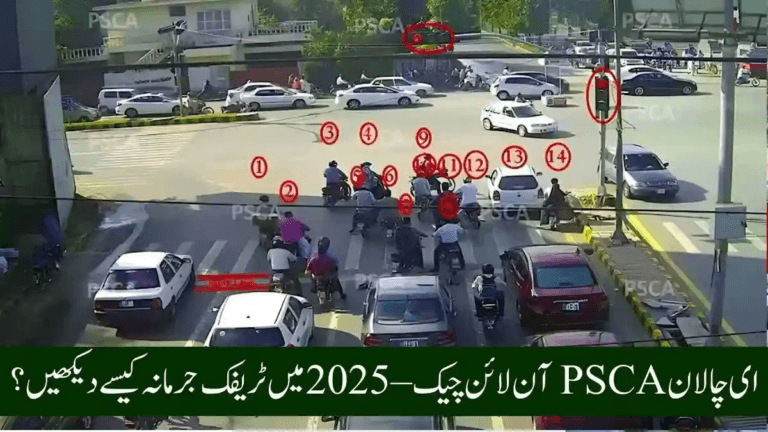
Operated by the Punjab Safe Cities Authority (PSCA), the system relies on smart surveillance and ANPR cameras that automatically record traffic violations and generate digital challans against registered vehicles.
This guide explains how the Punjab E-Challan Portal works, how to verify your challan, how to pay securely using mobile wallets and bank apps, and how to confirm successful payment.
What Is the Punjab E-Challan Portal 2025?
The Punjab E-Challan Portal is the official PSCA platform that allows motorists to:
- View traffic violations online
- Download challan slips in PDF format
- Pay fines digitally
- Track payment verification status
All challans are linked to the vehicle’s registration number (VRN), CNIC, and PSID, ensuring complete transparency.
The portal is part of Punjab’s wider traffic digitization initiative focused on:
- Eliminating manual challans
- Preventing corruption
- Improving accuracy and efficiency
- Making public services faster and more accessible
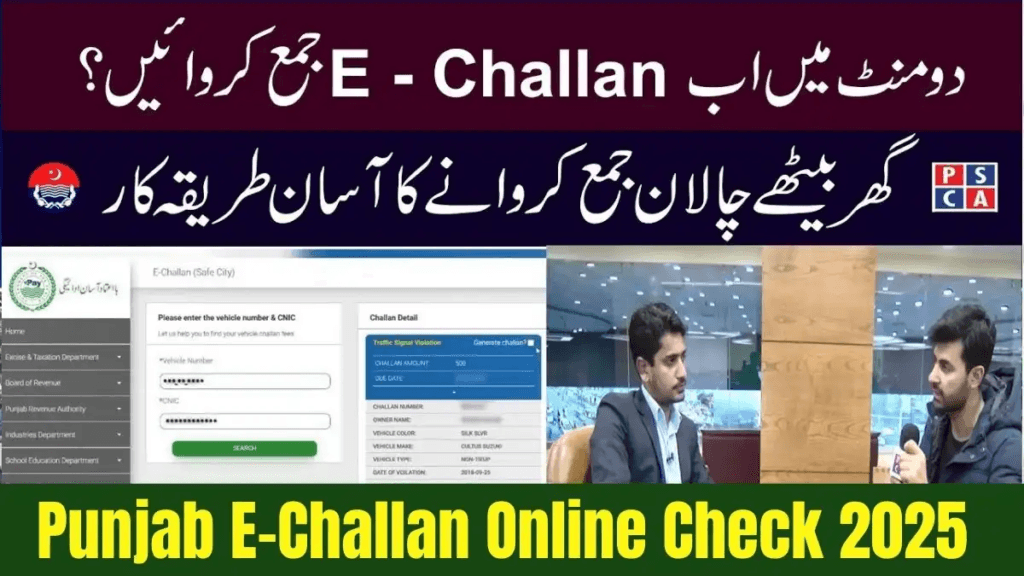
How the Punjab E-Challan System Works
Smart roadside cameras across Punjab monitor traffic continuously. When a violation occurs, the system captures:
- Clear image of the vehicle
- Number plate details
- Violation type
- Exact location
- Date and time
This data is automatically processed by PSCA’s central servers and converted into a digital e-challan, which becomes visible on the official portal within minutes.
Portal Overview — Punjab E-Challan 2025
| Feature | Details |
|---|---|
| Platform Name | Punjab E-Challan Portal |
| Managed By | Punjab Safe Cities Authority (PSCA) |
| Purpose | Check, download & pay traffic challans |
| Cities Covered | Lahore, Rawalpindi, Multan, Faisalabad, Gujranwala & more |
| Payment Methods | JazzCash, Easypaisa, Bank Apps |
| Required Info | Vehicle Number, CNIC, PSID |
How To Check Your Challan Online
Checking your challan through the portal is simple and secure.
✅ Step-by-Step Method
Step 1 — Visit the Official Portal
Open:
https://echallan.psca.gop.pk
Always use the official site only.
Step 2 — Enter Vehicle Registration Number
Type your number as printed on the plate, such as:
- LEA-1234
- FSD-3478
Step 3 — Add PSID or CNIC (Optional)
Use PSID if you want to verify payment details.
Step 4 — Click Search
Your challan list appears showing:
- Violation images
- Date & time
- Location
- Violation type
- Fine amount
Step 5 — Download Slip
Click Download PDF to save or print your challan receipt.
❗ If Your Challan Does Not Appear
- Verify formatting of the plate number
- Confirm vehicle details are updated with Excise
- Retry again after 15–20 minutes (system refresh delay)
How To Pay Punjab E-Challan Online
Payment requires the PSID (Payment Slip ID) issued on your challan.
Pay via Easypaisa
- Open Easypaisa app
- Go to Bill Payments
- Select Traffic Challan → PSCA
- Enter your PSID
- Confirm amount and pay
✅ Save your digital receipt.
Pay via JazzCash
- Open JazzCash app
- Choose Bill Payments → Traffic Challan
- Select Punjab (PSCA)
- Enter PSID
- Proceed to payment
You may also pay manually at any JazzCash agent by showing your PSID.
Pay Through Bank Apps
Supported banks include:
- HBL
- UBL
- MCB
- Meezan Bank
- Bank Alfalah
- Allied Bank
Steps:
- Open banking app
- Select Bill Payments
- Choose Traffic Challan → PSCA
- Enter PSID
- Confirm transaction
Digital receipts are auto-saved.
How To Confirm Challan Payment
After payment:
- Visit Punjab E-Challan Portal again
- Search using Vehicle Number & PSID
- If challan disappears → ✅ Payment successful
- If status still pending → wait up to 24 hours
❗ Delayed Payment Updates
JazzCash/Easypaisa syncing may take additional time.
If not cleared within 48 hours, contact PSCA support with your receipt.
Penalties For Non-Payment
Unpaid challans can result in:
- Vehicle blacklisting
- On-road stopping checks
- Token tax blockage
- Ownership transfer issues
- Accumulated penalties
Paying on time protects your driving record and legal status.
Benefits of Punjab E-Challan Portal 2025
| Benefit | Explanation |
|---|---|
| Convenience | Manage challans online anytime |
| Transparency | Camera-based challans only |
| Instant Access | View challans with images |
| Multiple Payment Options | Wallets + bank apps |
| Real-Time Updates | Immediate payment verification |
| Secure System | Official PSCA monitoring |
This digital approach saves time, enhances fairness, and removes corruption risks.
Common Violations Recorded by PSCA
- Overspeeding
- Red light jumping
- Illegal U-turns
- One-way violations
- Lane cutting
- Zebra crossing obstruction
- Riding without helmet
- Missing or fancy number plates
Each challan includes camera evidence for lawful enforcement.
FAQs – Punjab E-Challan Portal 2025
How can I check my e-challan?
Use the PSCA website and enter your vehicle number.
What is PSID?
A Payment Slip ID used to process online payments securely.
Can I download my challan?
Yes — PDF downloads are available for all challans.
Which apps support payments?
JazzCash, Easypaisa, and major Pakistani bank apps.
When does payment reflect on the system?
Usually instantly; within 24 hours maximum.
Final Summary
The Punjab E-Challan Portal 2025 has simplified traffic fine management across the province. By enabling online challan checks, downloadable slips, and secure digital payments, PSCA has delivered a modern, transparent service that saves time and builds public trust.
Drivers can now manage their challans anytime — quietly, securely, and without office visits.
For the latest and most reliable updates related to traffic fines and online verification systems, always rely on e-Challan.pk — Pakistan’s trusted digital challan information platform.