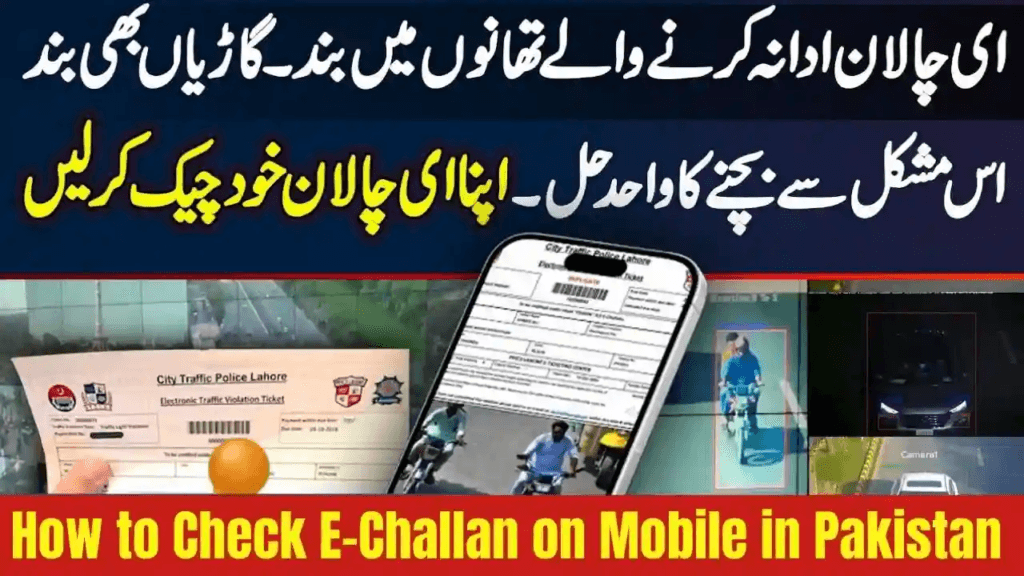
How to Check E-Challan on Mobile in Pakistan – Complete Guide 2025
Checking your E-Challan on mobile in Pakistan has become faster and easier than ever in 2025. Traffic departments in Punjab, Sindh, Khyber Pakhtunkhwa (KPK), and Islamabad now operate fully digital systems that allow citizens to verify traffic fines directly from their smartphones — without visiting any traffic office.
Whether your violation is for speeding, wrong parking, lane cutting, helmet violations, or jumping signals, this complete mobile guide explains how to check, verify, and pay your E-Challan using mobile portals and official apps securely.
What Is an E-Challan in Pakistan?
An E-Challan is a digital traffic penalty generated automatically through:
- Surveillance CCTV cameras
- ANPR (Automatic Number Plate Recognition) systems
- On-ground traffic police handheld devices
Instead of paper tickets, violations are uploaded to digital databases where motorists can view evidence images/videos and pay fines online.
Common Violations Monitored
- Over-speeding
- Helmet and seatbelt violations
- One-way and lane cutting
- Wrong parking
- Red-signal jumping
- Missing or fancy number plates
- Illegal vehicle modifications
All challans are verifiable online using mobile devices.
How to Check E-Challan on Mobile in Pakistan – Step-by-Step (2025)
Method 1 — Check via Mobile Browser (Works Nationwide)
The easiest and most reliable method for checking E-Challan directly on your smartphone:
✅ Steps:
- Open Chrome, Safari, or any mobile browser
- Visit your provincial E-Challan portal:
Punjab (Lahore, Multan, Faisalabad, Rawalpindi)
➡ https://echallan.psca.gop.pk
Sindh (Karachi, Hyderabad)
➡ Sindh Police E-Challan portal or official Sindh Police mobile app
Islamabad
➡ Islamabad Traffic Police (ITP) portal
KPK
➡ Khyber Pakhtunkhwa Police traffic apps and portals
- Enter your vehicle registration number
- Add your CNIC (optional but increases accuracy)
- Complete CAPTCHA verification
- Click Search Challan
✅ Your violation history will display with:
- Violation pictures
- Date and time
- Location
- Fine amount
- Payment status
You can download your challan or take screenshots directly from your mobile.
Method 2 — Check Through Official Mobile Apps
Each province now provides its own mobile application for challan verification.
Punjab — PSCA E-Challan App
✅ Features:
- Instant challan checking
- PDF downloads
- Online payment via ePay Punjab
- Camera-based evidence
Sindh — Sindh Police E-Challan App
✅ Features:
- Karachi Safe City challan verification
- Image proof view
- In-app payments
Islamabad — ITP Traffic App
✅ Features:
- Challan verification
- Digital driving license info
- Traffic updates
KPK — KP Police App
✅ Features:
- CNIC-based searches
- Digital payment facility
- Violation tracking
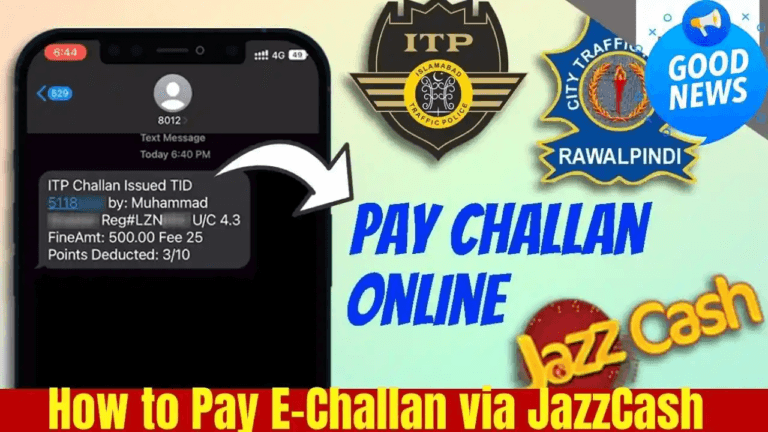
How to Pay E-Challan on Mobile (2025)
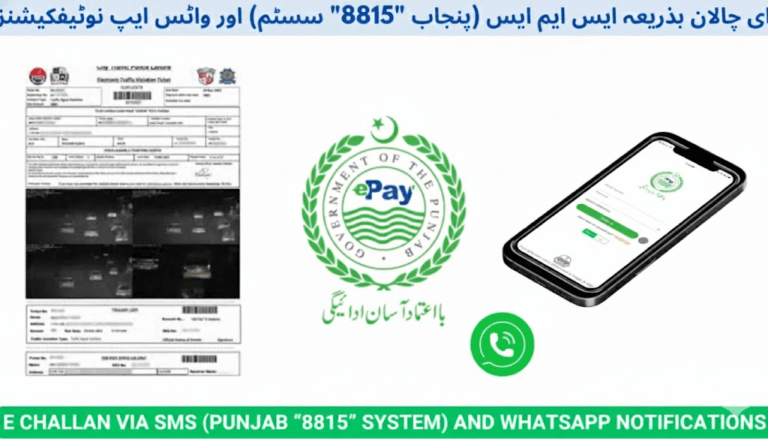
✅ ePay Punjab (Punjab Province)
- Install and open ePay Punjab App
- Select Excise → Traffic Challan
- Enter challan number
- Select payment method:
- ATM Cards
- Mobile Banking
- JazzCash
- Easypaisa
- Pay and save digital receipt
✅ JazzCash Wallet
- Open JazzCash app
- Select Traffic Challan
- Choose region/province
- Enter challan ID
- Confirm payment
✅ Easypaisa Wallet
- Open Easypaisa app
- Go to Traffic Challan payments
- Enter challan number
- Confirm payment
✅ Banking & ATM Payments
You can also pay your E-Challan using:
- Mobile banking apps
- Internet banking portals
- ATM (1LINK network)
- Designated traffic police or bank facilities
Benefits of Checking E-Challan on Mobile (2025)
- No travel to traffic police offices
- Instant fine verification
- Evidence photos available digitally
- Secure and cashless payments
- Time-saving and hassle-free
- Reduced late-fee risks
- Protects driving license points
By 2025, over 90% of urban locations in Pakistan operate paperless traffic enforcement systems.
Why Your Challan May Not Appear on Mobile
If your challan isn’t showing, the reason may include:
- Incorrect vehicle number format
- Old non-registered plates
- Recently issued challan → requires 24 hours update time
- Typo in CNIC or VRN
- Server maintenance downtime
- Searching on the wrong provincial portal
🔎 If issues persist, contact your local traffic department for verification.
FAQs — E-Challan Checking on Mobile (2025)
Can I check E-Challan using only my number plate?
Yes. Simply enter your vehicle registration number on the provincial portal.
Is CNIC mandatory for checking challans?
No — but CNIC improves identity confirmation and accuracy.
Are mobile apps available nationwide?
Yes. Punjab, Sindh, KPK, and Islamabad all offer official challan verification apps.
How long does a new challan take to appear online?
Usually within 24 hours of the violation recording.
Can I pay my challan fully on my mobile?
Yes — through:
- ePay Punjab
- JazzCash / Easypaisa wallets
- Banking apps
- ATMs
Conclusion — Mobile E-Challan Checking in Pakistan (2025)
Verifying your E-Challan on mobile in Pakistan is now simple, secure, and completely digital. From Punjab through Sindh, KPK, and Islamabad, every major traffic authority provides mobile portals or apps that allow citizens to:
✅ Verify violations
✅ View camera evidence
✅ Download fine slips
✅ Pay penalties instantly
These advancements have made Pakistan’s traffic enforcement system transparent, efficient, and commuter-friendly — helping ensure safer roads nationwide.