How to Check if Your E-Challan Payment Is Fully Processed and Verified (2025 Guide)
The E-Challan system in Pakistan—especially in Punjab—has made paying traffic fines fast and fully digital. Payments can be made using banking apps, mobile wallets, or authorized counters.
However, one concern most drivers share is:
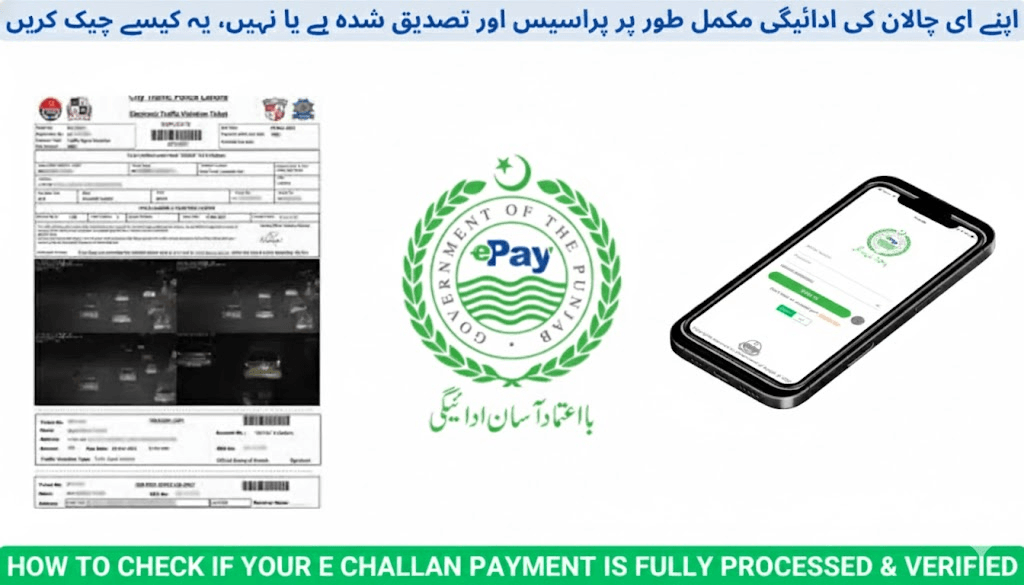
How do I confirm if my E-Challan payment is actually recorded and verified?
This comprehensive guide explains:
- How to verify your E-Challan payment status online
- What to do if your payment still shows “Unpaid”
- Processing timelines for different payment methods
- When and how to contact PSCA or Traffic Police for manual verification
What Is an E-Challan?
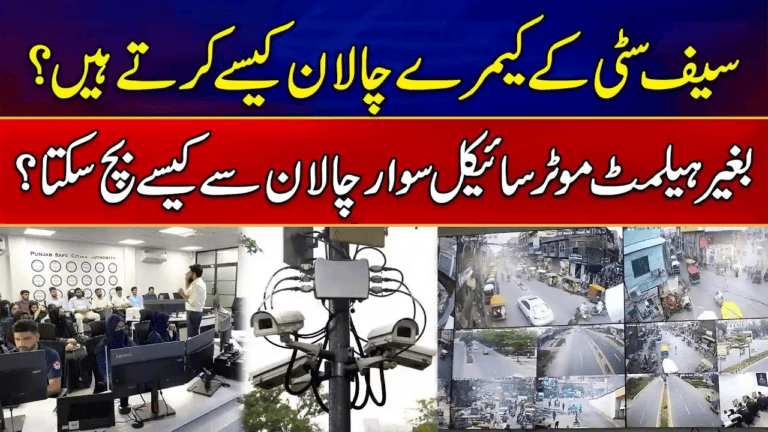
An E-Challan (Electronic Challan) is a computer-generated traffic fine issued by the Punjab Safe Cities Authority (PSCA) using high-definition surveillance cameras and Automatic Number Plate Recognition (ANPR).
Whenever a traffic violation is captured—such as:
- Red-signal crossing
- Overspeeding
- Lane violations
- Helmet or seatbelt non-compliance
A digital challan is generated and linked to:
- Your Vehicle Registration Number (VRN)
- Your CNIC (vehicle owner record from Excise Department)
The system ensures transparent, evidence-based enforcement across Punjab.
Where Can You Pay Your E-Challan?
Payments made through these channels are officially recognized and automatically synced with the PSCA system:
Verified Payment Methods
- JazzCash App
- EasyPaisa App
- Banking Apps
- Meezan Bank
- HBL
- UBL
- Allied Bank
- MCB
- National Bank of Pakistan (NBP)
- PSCA Official Portal
Important:
Always save your receipt or transaction ID after payment. It is your official proof of payment.
How to Check if Your E-Challan Payment Is Verified
Step 1 — Visit the Official Portal
Go to the Punjab Safe Cities Authority E-Challan website:
This is the only authorized government portal for challan verification in Punjab.
Step 2 — Enter Vehicle or CNIC Details
Provide one of the following:
- Vehicle Registration Number (VRN)
- CNIC of vehicle owner
Complete the captcha and click:
Search / Check Challan
Step 3 — Review Status
Your challan details will be displayed with payment status:
- ✅ Paid / Cleared → Payment is fully verified
- ❌ Unpaid / Pending → Status update still pending
Step 4 — Cross-Check with Your Wallet or Bank App
If you already paid:
- Open your Easypaisa / JazzCash / Banking App
- Check transaction history
- Confirm:
- Receiver: Punjab Safe Cities Authority (PSCA)
- Amount: Must exactly match challan amount
- Status: Successful
If all details are correct, the system will update your record automatically.
Payment Processing Time
| Payment Channel | Processing Time |
|---|---|
| Bank Apps | Instant to a few minutes |
| JazzCash / EasyPaisa | Usually instant, but may take up to 24 hours |
| ATM or Counter Payments | 24 – 48 hours |
| Manual Excise Office Payments | Same day |
What to Do If Your Payment Is Not Verified
If your challan still shows “Unpaid” after 48 hours, follow this process:
Step 1 — Re-Check Your Receipt
Verify:
- Correct vehicle number
- Correct challan PSID
- Payment amount matches exactly
- Transaction status is successful
Step 2 — Allow Synchronization Time
Wait up to 48 hours, especially for wallet payments.
Step 3 — Contact PSCA Helpline
Call:
15 (Punjab Traffic Police & PSCA Support)
Or email:
Provide:
- Vehicle Registration Number
- Challan number or PSID
- Transaction ID
- Screenshot of receipt
Step 4 — Visit City Traffic Police Office (if needed)
Take:
- CNIC
- Vehicle registration smart card
- Payment receipt
Request manual verification and system update.
Official Support Entities
| Department | Purpose | Contact |
|---|---|---|
| Punjab Safe Cities Authority (PSCA) | Official challan management & verification | https://echallan.psca.gop.pk |
| City Traffic Police Lahore (CTPL) | Manual dispute & verification | https://ctplahore.gop.pk |
| JazzCash / EasyPaisa | Transaction support | In-app help centers |
| National Bank of Pakistan (NBP) | Counter payments | https://www.nbp.com.pk |
Safety Tips for E-Challan Payments
- Pay only through official channels or verified banking apps.
- Double-check your vehicle number and PSID before payment.
- Save all payment receipts or transaction IDs.
- Do not make duplicate payments unless officially instructed.
- Verify payment completion on both:
- echallan.psca.gop.pk
- https://e-challans.pk (public help & guidance portal)
Final Words
Verifying your E-Challan payment is a crucial step to ensure:
- Your vehicle record remains clear
- No late penalties or blocks occur
- Duplicate fines are avoided
- Legal complications are prevented
With the PSCA system, payment verification is fully digital.
By checking your status through the official portal and keeping payment records safe, you can remain fully compliant in Pakistan’s modern traffic enforcement system.
Always rely on verified government platforms and trusted guides like:
Stay safe, stay informed, and drive responsibly.