How to Pay E-Challan Using Easypaisa, JazzCash, and Online Banking (2025 Guide)
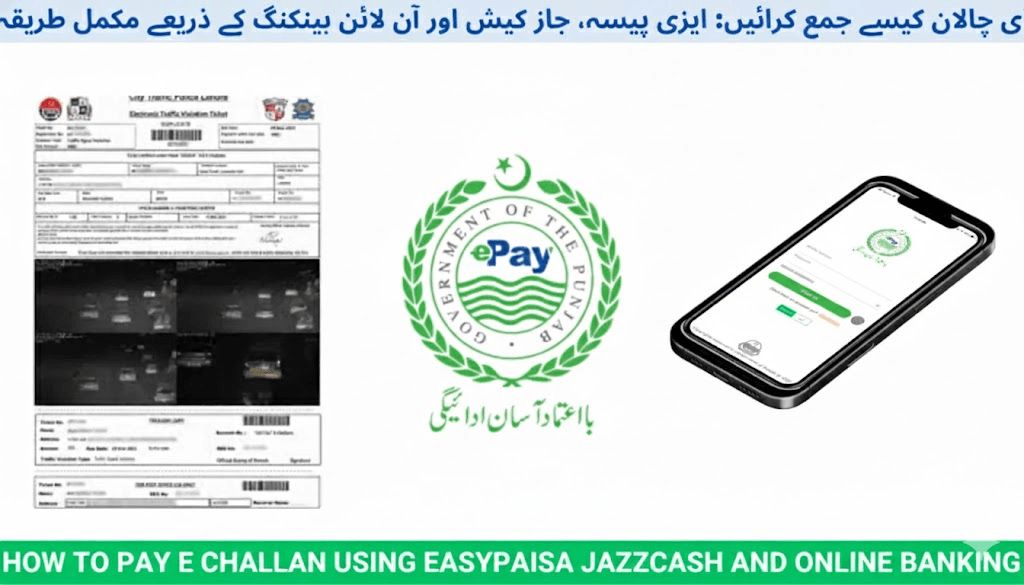
The Government of Punjab, working with the Punjab Safe Cities Authority (PSCA) and the City Traffic Police Lahore (CTPL), now offers fully digital payment channels for traffic fines. Drivers can clear their E-Challan using mobile wallets, bank apps, ATMs, and official portals without standing in queues or visiting offices.
This complete 2025 guide explains:
- Every official payment method
- Step-by-step instructions for each platform
- How to confirm payments
- What to do if the challan still shows unpaid
Pay E-Challan Online in Punjab (2025)
Accepted Methods: Easypaisa • JazzCash • Online Banking
What Is an E-Challan?
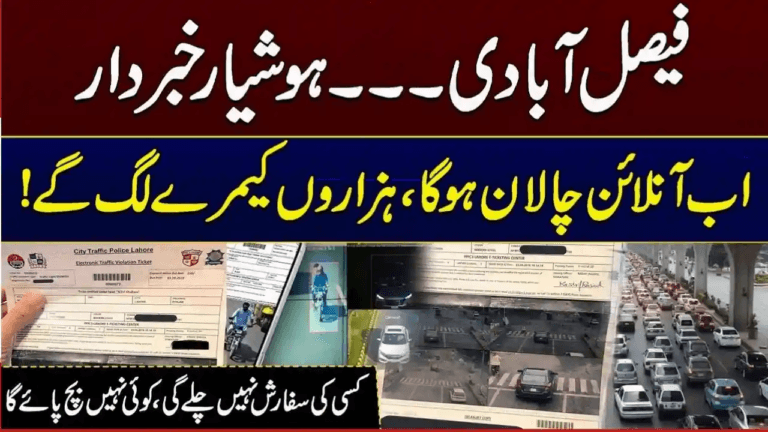
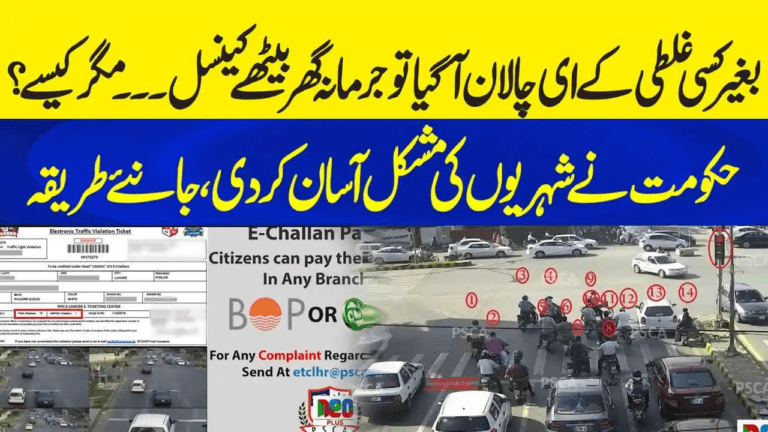
An E-Challan is an electronic traffic fine automatically issued when a violation is detected by PSCA smart cameras using ANPR (Automatic Number Plate Recognition) technology.
Common violations include:
- Speeding
- Red signal jumping
- Wrong or illegal parking
- Lane violations
- Seat-belt or helmet offences
How the System Works
- Cameras capture the violation in real time
- Vehicle records are verified with the Excise & Taxation Punjab database
- Your challan is delivered via:
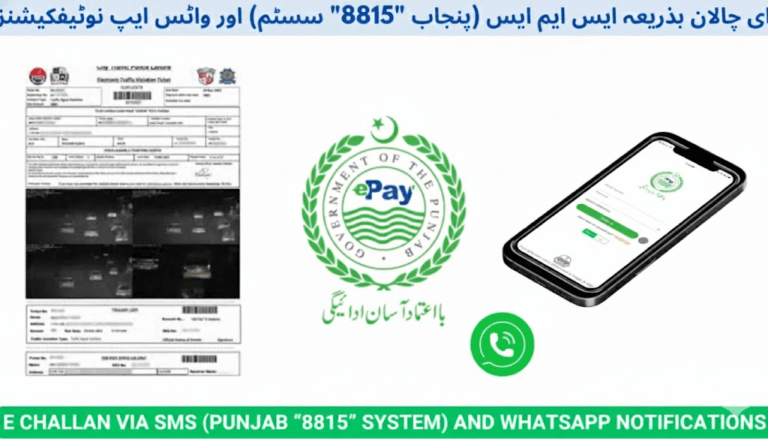
- SMS from 8815 (official Punjab Police short code)
- WhatsApp message from verified PSCA accounts
- Courier notice at your registered address
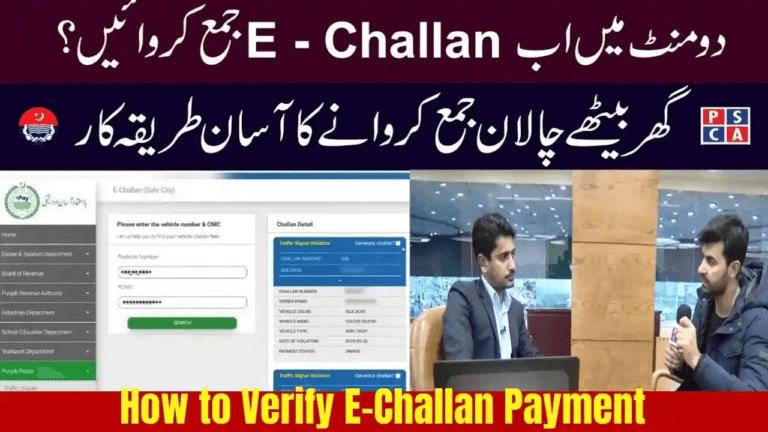
You can verify your challan on:
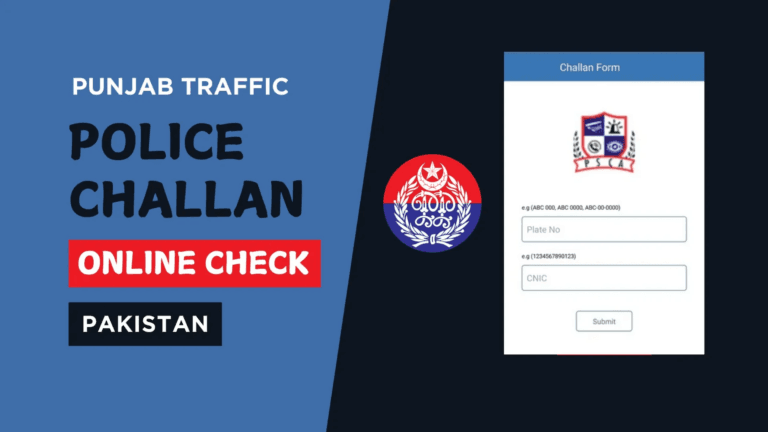
- https://echallan.psca.gop.pk (Official portal)
- https://e-challans.pk (Guidance & verification gateway)
How To Pay E-Challan Using Easypaisa
- Open the Easypaisa App
- Tap Bill Payments
- Select Traffic Challan → Punjab E-Challan
- Enter your Vehicle Registration Number
- View pending challans
- Press Pay Now and confirm
Payment Confirmation
- Receipt generated inside Easypaisa
- Automatic confirmation SMS from 8815
Tip: Save a screenshot of your payment receipt for your records.
How To Pay E-Challan Using JazzCash
- Open your JazzCash app
- Select Government Payments
- Tap Traffic Challan Payment
- Choose Punjab Safe Cities Authority (PSCA)
- Enter your Vehicle Number or PSID
- Review challan details and confirm payment
Offline Option
Visit any JazzCash retail agent with:
- Your vehicle registration number
- Or PSID reference number
The agent will complete the payment instantly.
How To Pay E-Challan Using Online Banking
Most Pakistani banking apps now support PSCA challan payments including:
- Meezan Bank
- HBL
- MCB
- Allied Bank
- UBL
- Bank of Punjab
- National Bank of Pakistan
Example — Meezan Bank App
- Open Meezan Mobile App
- Navigate to Bill Payments → Traffic Challan
- Select Punjab E-Challan
- Enter Vehicle Number or PSID
- Review details and tap Pay
Receipt
- Digital payment confirmation generated
- Challan status updated across all PSCA records
What Is PSID?
PSID (Payment Slip ID) is a unique challan reference number used by banking and mobile wallet platforms.
You will find your PSID on:
- SMS alerts from 8815
- The online challan record on PSCA portal
- Printed challan slips
Enter PSID instead of your vehicle number if the payment app allows it.
Confirming Your Payment
After payment:
- Visit
- Enter your vehicle registration number
- Click Search
✅ Result:
- No challan listed → Payment successfully recorded
- Status still shows unpaid → wait up to 24 hours and recheck
If Status Is Still Unpaid After 24 Hours
Contact:
- PSCA Helpline: 15
- CTPL: 042-99204619
Provide:
- Screenshot of transaction receipt
- PSID or vehicle number
Processing Times
| Platform | Payment Mode | Status Update |
|---|---|---|
| Easypaisa | Mobile Wallet | Instant |
| JazzCash | Mobile Wallet | Instant |
| Meezan / HBL / MCB Apps | Online Banking | Instant |
| UBL Digital | Online Banking | Up to 24 hrs |
| NBP & MCB ATMs | Physical ATM | 24–48 hrs |
| Excise Office Cansh Counter | Manual | Same day |
Common Payment Issues & Solutions
| Issue | Cause | Solution |
|---|---|---|
| Payment not showing | Server sync delay | Recheck after 24 hours |
| Still pending after paid | Database update lag | Call PSCA helpline 15 |
| “Record not found” error | Incorrect vehicle entry | Re-enter exact plate format (e.g., LEA1234) |
| Duplicate challans | System duplication | Contact PSCA for adjustment |
Safety Tips for Paying Online
- Always pay using official platforms only:
- echallan.psca.gop.pk
- e-challans.pk
- Verified mobile wallets or bank apps
- Keep your transaction receipts and screenshots
- Never share:
- OTP codes
- CNIC scans
- Card numbers
- Mobile wallet PINs
- Ignore anyone claiming they can remove challans for cash
Legal Reference
Under Sections 116 & 122 of the Punjab Motor Vehicles Ordinance, all E-Challans must be paid within the prescribed payment period.
Payments made via:
- Easypaisa
- JazzCash
- Bank apps
- ATM channels
are legally valid and immediately recognized by PSCA enforcement systems.
FAQs
Can I pay from someone else’s wallet or bank app?
Yes — use the correct Vehicle Number or PSID and complete payment normally.
Are there payment charges?
Most wallets do not charge fees. Some banks may apply a minimal transaction fee.
How long until payment is reflected?
- Usually instant
- Up to 24 hours during maintenance or high traffic periods.
What if I paid the wrong challan?
Contact:
- PSCA Helpline: 15
- Or the Excise Department with your payment receipt.
Can I pay multiple challans together?
Yes — most apps allow selecting and paying all pending challans at once.
Useful Official Contacts
| Department | Phone |
|---|---|
| Punjab Safe Cities Authority (PSCA) | 15 or 042-99051606 |
| City Traffic Police Lahore (CTPL) | 042-99204619 |
| Excise & Taxation Punjab | 042-99210301 |
Verification Portals
Final Words
In 2025, paying your E-Challan is faster than ever — whether through Easypaisa, JazzCash, or online banking apps.
Always choose official platforms, confirm your transaction status, and retain receipts. Clearing your challan promptly prevents late penalties, vehicle blocking, or enforcement action.
Safe driving and timely payments support a smarter, safer Punjab.