How to Check E-Challan Karachi by Vehicle Number – Complete Step-by-Step Guide (2025)
The E-Challan Karachi vehicle number check system allows residents to quickly verify traffic fines online without visiting any traffic police office. Whether you’ve received a violation message or simply want to confirm your status, you can now view pending challans, camera evidence, and fine amounts using just your vehicle registration number.
This complete step-by-step guide explains exactly how to check your Karachi e-challan, understand how the system works, and settle your fines through official payment channels.
What Is E-Challan Karachi & How Does It Work?
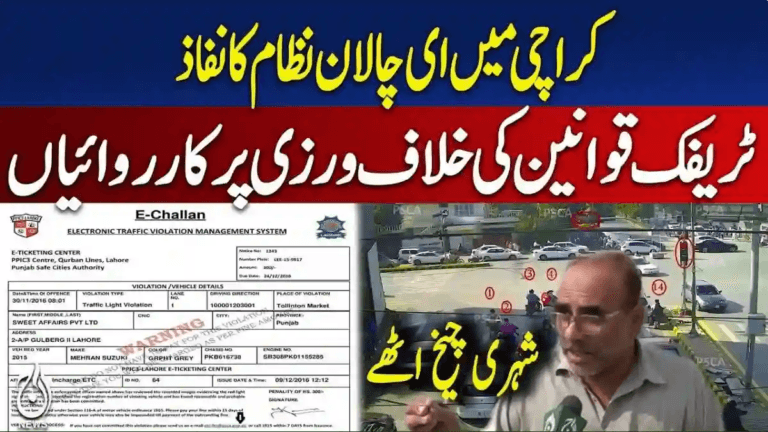
The Karachi E-Challan system operates through ANPR technology (Automatic Number Plate Recognition) and surveillance cameras installed across major junctions, highways, intersections, and traffic signals. These cameras automatically detect violations including:
- Red-signal jumping
- Lane cutting and wrong-side driving
- Over-speeding
- Mobile phone use while driving
- Riding without a helmet
- Missing or fake number plates
- Illegal or double parking
Once a violation occurs:
- The camera captures the vehicle number, photo, time, and location.
- The data is matched with records from the Sindh Excise database.
- A digital challan (E-Challan) is generated against the registered owner.
- The challan is uploaded to the online portal and, in many cases, a SMS alert is sent to the owner.
How to Check E-Challan Karachi by Vehicle Number
✅ Follow These Step-By-Step Instructions
Step 1 – Visit the Official Sindh Police E-Challan Portal
Open the Karachi E-Challan website:
If the page loads slowly, wait and refresh — this happens during peak usage.
Step 2 – Enter Your Vehicle Registration Number
Type your number plate exactly as printed, for example:
- ABC-1234
- KEX-456
- BKP-0987
Avoid spaces, typos, or incorrect formats.
Step 3 – Enter Your CNIC (If Prompted)
Some searches may require CNIC verification.
Enter it without dashes, for example:
4210123456789
Step 4 – Click “Search” / “Check Challan”
Submit your details to retrieve your challan record.
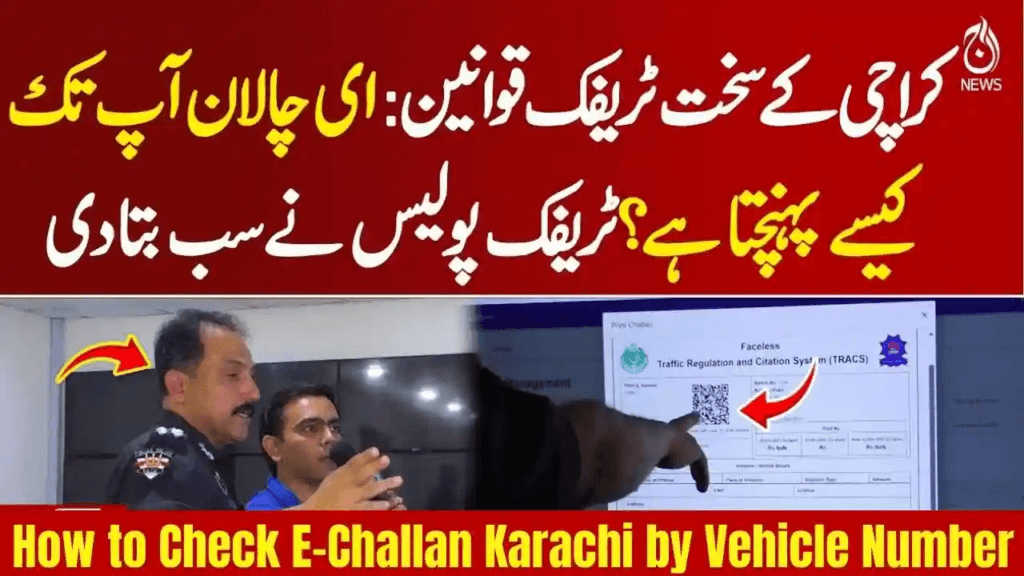
Step 5 – View Your E-Challan Details
The system displays:
- Vehicle information
- Violation type(s)
- Date & time of offense
- Camera location
- Fine amounts
- Photo evidence
- Downloadable challan PDF
Each challan can be opened individually to review complete details.
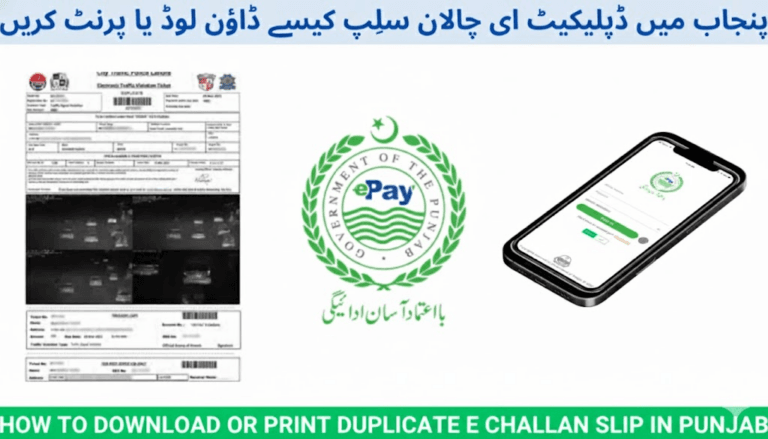
Step 6 – Download or Print Challan
Click Download PDF if you want a copy for offline payment or record-keeping.
How to Pay E-Challan Karachi
After checking your challan, payments can be made using several official methods.
✅ 1. Online Payment via Mobile & Banking Apps
You can pay through:
- JazzCash
- EasyPaisa
- HBL Mobile
- UBL Digital
- Meezan Bank App
- Bank Alfalah App
- Faysal Bank App
Payment Path (generic)
Payments → Government Bills → Sindh Police E-Challan → Enter Challan ID / Vehicle Number → Confirm Payment
✅ 2. NADRA E-Sahulat Centers
Visit any E-Sahulat franchise with:
- Vehicle number or challan ID
Pay the amount and collect your receipt.
✅ 3. Traffic Police Offices
You can physically pay at:
- Karachi Traffic Police Headquarters
- District Traffic Section Offices
- Designated challan counters
Why You Should Regularly Check E-Challan Karachi
Checking your challan status frequently helps you avoid:
- Late payment penalties
- Vehicle confiscation during road checks
- Transfer restrictions while selling a vehicle
- License renewal delays
- Legal complications
Staying updated protects your driving record and saves time.
Most Common E-Challan Violations Recorded in Karachi
- Wrong U-turns
- Signal violations
- Lane cutting
- Seatbelt non-compliance
- Riding without helmet
- Triple riding on motorcycles
- Illegal parking
- Driving against flow of traffic
Tips to Avoid E-Challans
- Always wear helmets on motorcycles.
- Obey traffic signals strictly.
- Stay within speed limits.
- Use designated lanes only.
- Never use a mobile phone while driving.
- Install standard number plates issued by Sindh Excise.
Safe driving directly reduces your chances of fines and keeps roads safer for everyone.
FAQs – Karachi E-Challan Check
1. Can I check E-Challan Karachi without CNIC?
Yes. Most searches only require your vehicle number. CNIC may be requested for additional verification.
2. Can I pay my challan fully online?
Yes. JazzCash, Easypaisa, and all major banking apps support online challan payments.
3. What if my challan is incorrectly issued?
Visit your nearest Traffic Section Office with your challan details and photo evidence to request correction.
4. Does an unpaid challan block vehicle transfer?
Yes. Outstanding challans must be cleared before a vehicle can legally change ownership.
5. Do Safe City cameras operate at night?
Yes. Karachi’s ANPR cameras operate 24/7 with night-vision capabilities.
Final Words
The E-Challan Karachi checking system offers a fast, transparent, and reliable way for motorists to verify and clear their traffic fines directly from home. By using your vehicle number, you can instantly access violation records, photographic evidence, downloadable slips, and digital payment options — without standing in queues or visiting traffic offices.
Regularly checking your status and following traffic rules remains the best way to stay compliant, avoid penalties, and drive safely on Karachi’s roads.