How to Pay PSCA E-Challan – A Complete Guide to Online Payment via ePay Punjab (2025)
Introduction – Digital Transformation in Traffic Fine Payments
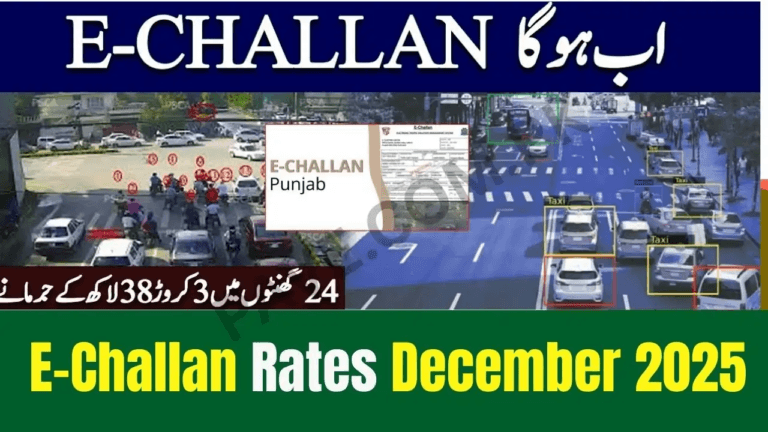
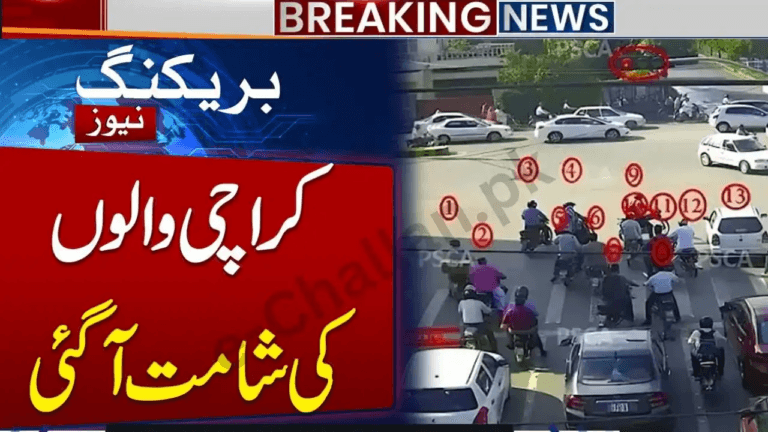
The Punjab Safe Cities Authority (PSCA) has modernized traffic enforcement across Lahore, Rawalpindi, Multan, Faisalabad, Gujranwala, and other major cities using high-tech ANPR (Automatic Number Plate Recognition) cameras.
These cameras automatically:
- Detect traffic violations
- Capture photographic evidence
- Generate e-challans digitally — without manual tickets or roadside stops
Drivers can now check and pay PSCA challans fully online using the official ePay Punjab platform (mobile app or web portal), developed by the Punjab Information Technology Board (PITB).
This guide explains the exact step-by-step method to pay your PSCA traffic fine safely and quickly in 2025.
Pay PSCA E-Challan Using ePay Punjab – Step-by-Step
You can pay your challan from a mobile phone or desktop computer.
Step 1 – Open ePay Punjab
Use any of the following:
- ePay Punjab Mobile App (Android or iOS)
- ePay Punjab Web Portal (via browser)
Search and install “ePay Punjab” from your app store or open the official website on desktop.
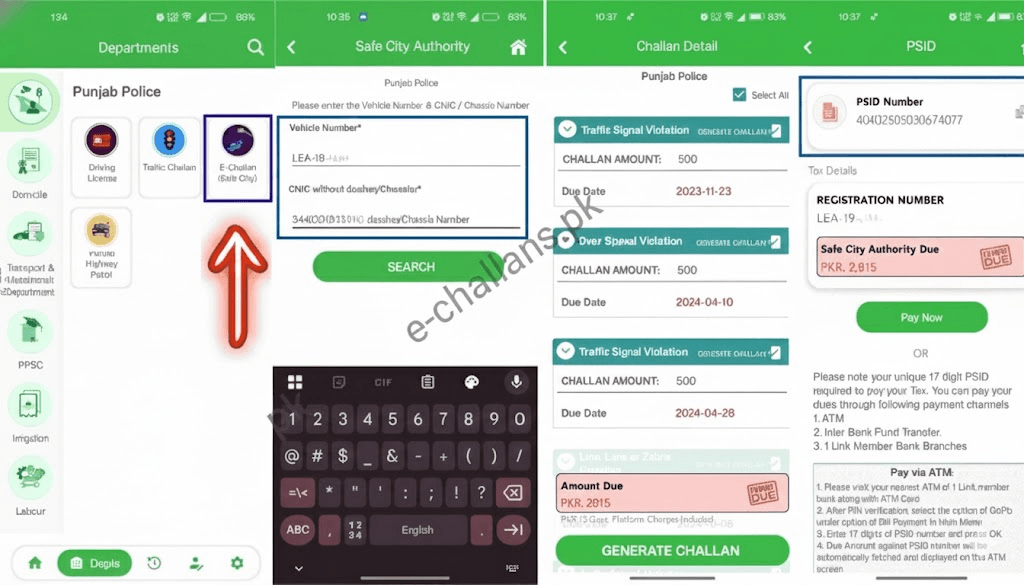
Step 2 – Go to “Department”
After opening the app or website:
- Tap Department
- Select Punjab Police
This section contains all services related to traffic challans and law enforcement payments.
Step 3 – Choose “E-Challan (Safe City)”
Under Punjab Police services, select:
E-Challan (Safe City)
This opens the challan inquiry page.
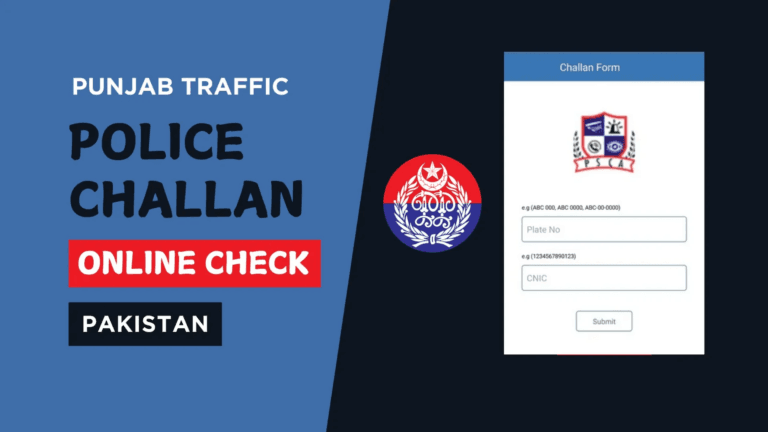
Step 4 – Enter Your Vehicle Details
To retrieve your challan record, enter either:
- Vehicle Registration Number, or
- Chassis Number
Then press Search.
Step 5 – View Challan Details
The system will display all challans linked to your vehicle, including:
- Challan number
- Owner name
- Vehicle make, model, and color
- Violation date and time
- Violation type
- Fine amount
- Due date
- Payment status
You should review these details carefully before making any payment.
Step 6 – Select Challan(s) to Pay
You may choose to:
- Pay one challan
- Pay multiple challans together
- Pay all outstanding challans at once
This bulk-payment option saves time and avoids missing older fines.
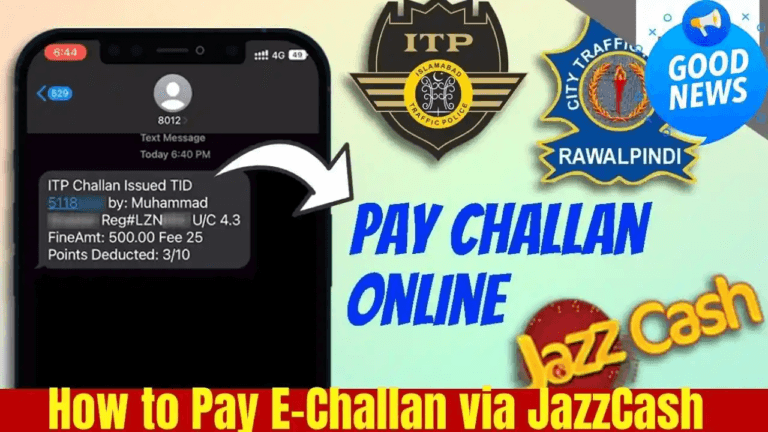
Step 7 – Generate PSID (Payment Slip ID)
After selecting the challans:
- Click Generate Challan
- The system creates a 17-digit PSID
The PSID is your official digital payment reference number that allows payment through all supported channels.
How to Pay the PSCA E-Challan
Once you have your PSID, you can submit payment through any supported platform.
Supported Payment Methods
Mobile Wallets
- JazzCash
- Easypaisa
- SadaPay
Banking Mobile Apps
All major Pakistani banks support PSID payments, including:
- HBL Mobile
- Meezan Bank App
- UBL Digital
- MCB
- Bank Alfalah
- Bank of Punjab (BOP)
- Allied Bank
- Faysal Bank
- Askari Bank
ATMs & Internet Banking
- Any 1-Link enabled ATM
- Internet banking portals
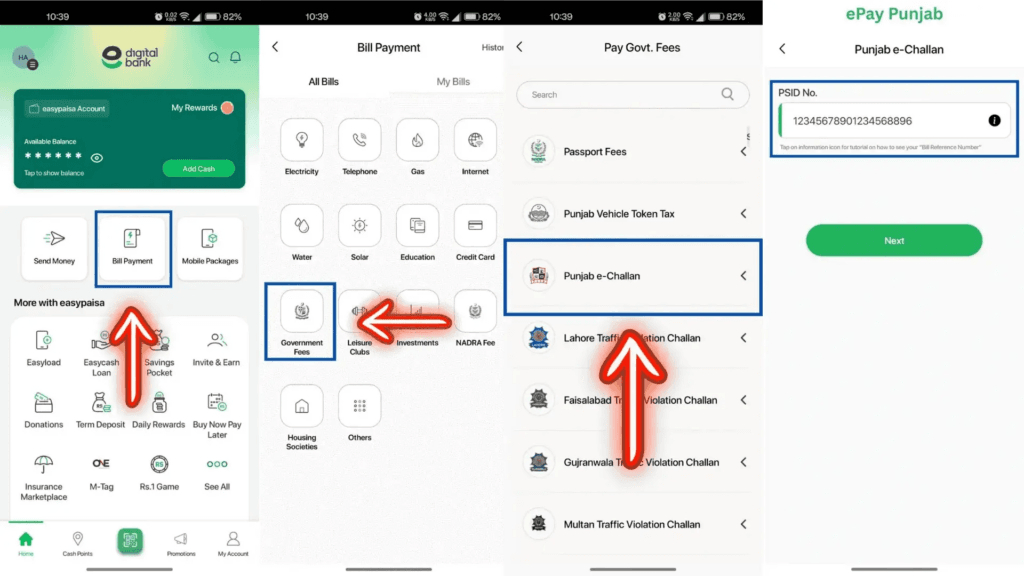
How to Pay Using a Banking App
- Open your bank’s mobile app
- Go to Bill Payments / Government Payments
- Select:
- ePay Punjab
- or Traffic Challan / Punjab Police Safe City
- Enter your 17-digit PSID
- Confirm the challan amount
- Tap Pay
✔ Payment confirmation is immediate
✔ Challan status updates automatically in the PSCA system
Advantages of Paying PSCA E-Challan via ePay Punjab
- No visits to traffic police or Safe City offices
- Secure government-integrated payment network
- Multiple wallet and bank payment choices
- Instant payment confirmation
- Official electronic receipt
- Full transparency on fine amount and violation evidence
- Option to pay multiple challans together
Important Tips
- Always double-check your PSID before submitting payment
- Never use unofficial websites or social-media payment links
- Keep a digital receipt screenshot for record
- Payment status updates usually within minutes, but may take up to 24 hours
- For any delay or dispute, contact PSCA helpline or Punjab Police support
Frequently Asked Questions
Can I pay someone else’s challan?
Yes. Anyone who has a valid PSID can complete a challan payment on behalf of the vehicle owner.
Can I pay multiple challans in one transaction?
Yes. ePay Punjab allows you to generate one PSID for multiple challans and pay them together.
Do I need to print a challan slip?
No. Printing is not required for digital payments. You only need the PSID.
How fast is payment confirmation?
Usually instant, but full system updates may take up to 24 hours.
Can I cancel or refund a paid challan?
No. Once payment is successful, challans cannot be reversed.
Disputes must be filed before payment directly with PSCA.
Final Conclusion – Pay Smart, Stay Compliant
The PSCA e-Challan + ePay Punjab system has transformed the way traffic fines are managed across Punjab. With instant online verification, secure PSID-based payments, and real-time updates, drivers now have a fast, transparent way to clear fines without queues or office visits.
By following the steps in this guide, you can:
- Check your challans
- Pay securely from your phone or computer
- Avoid penalties and legal complications
- Maintain a clean driving record
Digital enforcement continues to drive safer roads and smarter compliance across Punjab.