How to Use the PSCA / Safe City Portal Effectively: Tips & Tricks (2025 Guide)
The Punjab Safe Cities Authority (PSCA) has transformed traffic management and public safety across Punjab, particularly in Lahore, through its advanced Safe City Portal. This digital platform enables citizens to access essential services including e-Challan checking, online payments, complaint submission, and real-time traffic updates — all from home.
This complete guide explains how to use the PSCA Safe City Portal properly, offering step-by-step instructions and practical tips so you can take full advantage of its features in 2025.
PSCA Safe City Portal 2025 | E-Challan & Traffic Services Guide
What Is the PSCA Safe City Portal?
The Punjab Safe Cities Authority (PSCA) is a technology-based government initiative designed to modernize law enforcement, traffic monitoring, and citizen safety across the province.
Using:
- CCTV surveillance cameras
- Automatic Number Plate Recognition (ANPR)
- Intelligent Traffic Management System (ITMS)
PSCA collects and processes real-time data to detect traffic violations and manage urban security operations.
The Safe City Portal serves as the public digital gateway that provides citizens with convenient online access to key services:
- Check and verify E-Challans
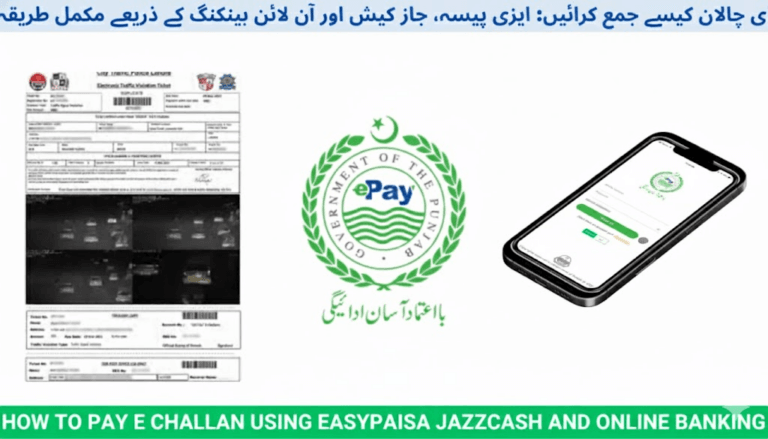
- Pay traffic fines online through ePay Punjab or banking channels
- Submit complaints and disputes for wrong challans
- View live traffic updates and alerts
- Access mobile features via the Safe City Lahore App
This integrated platform delivers transparency, accuracy, and convenience to all road users.
How to Use the PSCA Safe City Portal – Step by Step
Step 1: Visit the Official PSCA Website
Go to the official PSCA portal:
From the homepage, select:
➡️ “Safe City / e-Challan Portal”
You will be redirected to the service dashboard where all public tools are available.
Step 2: Check Your E-Challan Online
Once on the portal:
- Enter your vehicle registration number.
- Click Search.
- The system displays any pending or paid challans connected to your vehicle.
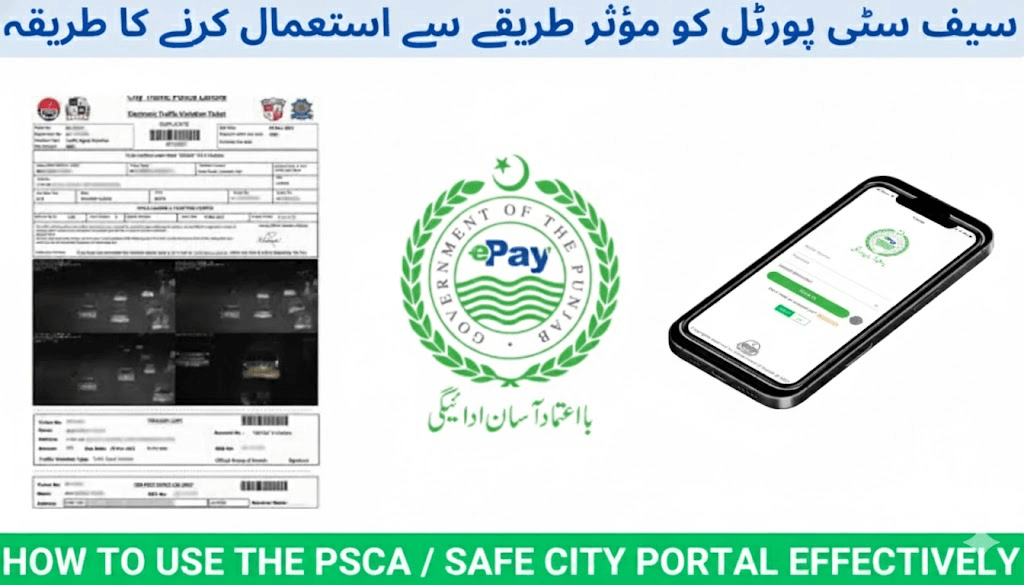
Each record includes:
- Violation type
- Violation location and date
- Camera image proof
- Fine amount
- PSID (Payment Slip ID)
- Payment status
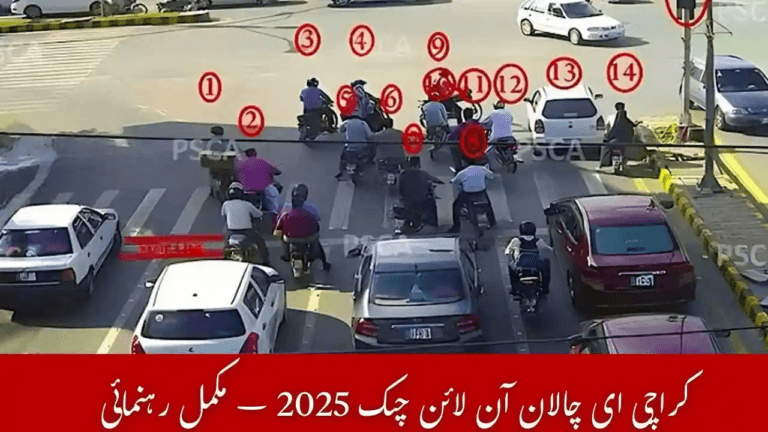
Common violations detected by PSCA cameras include:
- Red-light jumping
- Overspeeding
- Lane cutting
- Helmet or seatbelt violations
Pro Tip: Always download or print your challan slip before payment and keep it for record purposes.
For a complete checking and payment guide, you can also verify your challan via:
Step 3: Pay Your E-Challan Online
You can pay your fine digitally using the PSCA portal through these secure payment channels:
- ePay Punjab mobile app
- ATM banking
- Internet/mobile banking
- 1LINK partner banks
Each challan includes a unique PSID.
Enter this PSID during payment so your transaction is matched correctly with your challan.
Once payment is completed:
- The PSCA database updates automatically.
- Your challan status changes to PAID.
- No physical office visit is required.
Step 4: Submit a Complaint or Dispute a Wrong Challan
If a challan was wrongly issued or you need to report an issue, use the Complaint Management System (CMS) within the Safe City Portal.
Procedure:
- Open the Complaint Management tab.
- Enter your:
- CNIC
- Vehicle registration number
- Challan reference number
- Upload supporting evidence such as:
- Vehicle photos
- Location proof
- Any relevant documents
- Submit the request.
PSCA officers review complaints and respond directly through the portal.
✅ Tip: Detailed evidence speeds up complaint resolution significantly.
Step 5: Use the Safe City Lahore Mobile App
For easier access, install the Safe City Lahore App from the Google Play Store.
The app allows you to:
- Check live traffic conditions
- Receive public safety alerts
- Monitor road congestion
- Submit emergency or accident reports
This mobile system strengthens citizen engagement and promotes faster response times.
Tips & Tricks to Use the PSCA Portal Effectively
Follow these expert recommendations for maximum convenience:
✔ Bookmark the e-Challan page for faster access next time
✔ Always use the same CNIC and mobile number across PSCA services
✔ Check challan status before:
- Selling your vehicle
- Renewing registration or token tax
✔ Enable traffic and safety notifications in the app
✔ Use official PSCA contact channels only — never unofficial websites or phone numbers
✔ For help or emergencies, contact PSCA Helpline: 15
Reliable online assistance for challan checking is also available at:
Benefits of the PSCA Safe City Portal
The Safe City Portal improves public safety through digital transparency and citizen convenience.
Major Benefits
- Camera-based, unbiased enforcement with solid photo evidence
- No physical visits required for verification or payments
- Digital payment tracking for secure record-keeping
- Instant traffic updates for safer journeys
- Formal online complaint management
- Faster resolution of citizen issues
- Reduced corruption and manual errors
This system places Lahore and major Punjab cities among Pakistan’s most technologically advanced urban safety networks.
Conclusion
The PSCA Safe City Portal is not just a payment platform — it is a complete smart-city safety ecosystem.
By learning how to correctly:
- Check E-Challans
- Submit disputes
- Pay fines digitally
- Monitor traffic conditions
you can save time, avoid unnecessary penalties, and protect your driving record.
With official portals like:
citizens now enjoy transparent, fast, and secure access to traffic services — marking a major achievement in Punjab’s journey toward digital governance and public empowerment.