How to Dispute a Wrong E-Challan in Punjab (Updated 2025 Guide)
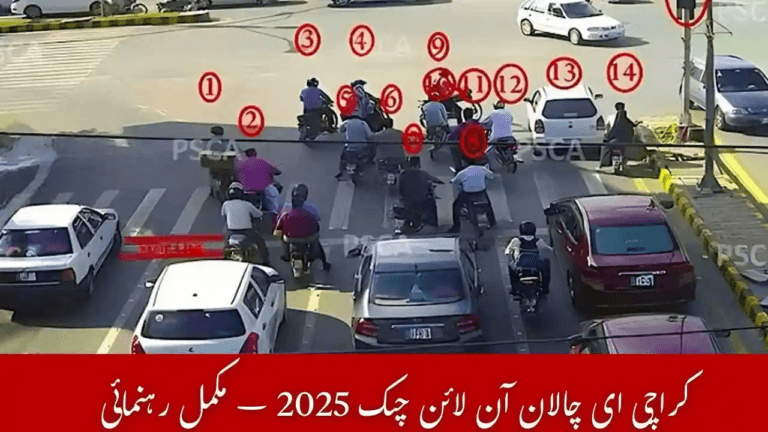
The E-Challan system in Punjab, operated by the Punjab Safe Cities Authority (PSCA) in coordination with Punjab Police, has modernized traffic law enforcement. Using CCTV surveillance and ANPR (Automatic Number Plate Recognition) cameras, violations such as overspeeding, red-signal jumping, lane misuse, and illegal parking are detected automatically and issued digitally.
Although the system is designed for transparency and objectivity, technical and data-entry errors can still occur. Some drivers may receive challans that were issued mistakenly or linked to the wrong vehicle.
If you have received an incorrect challan, this complete 2025 guide explains how to dispute it properly, what documents you need, and the fastest official channels to get it resolved.
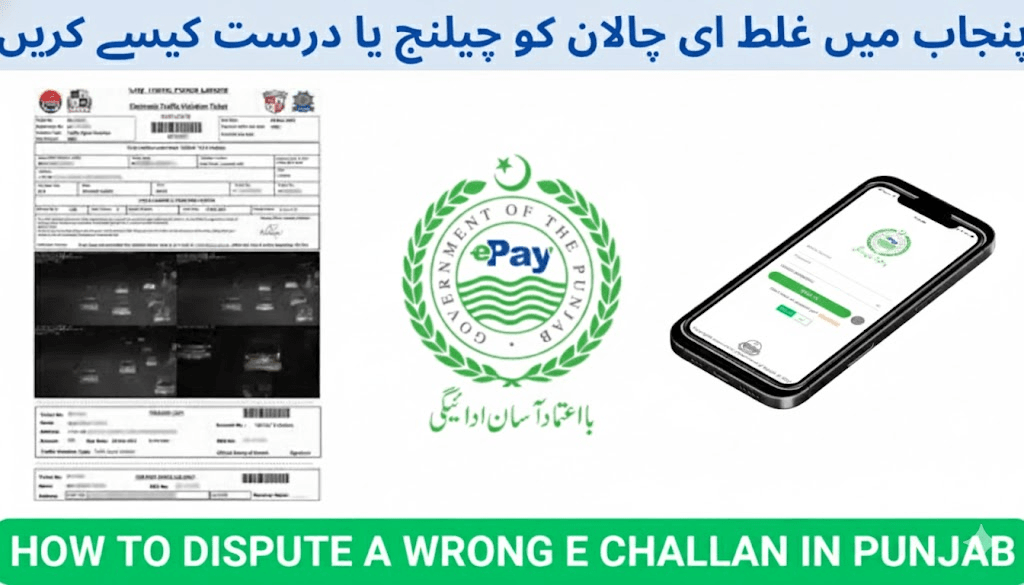
Common Reasons for a Wrong E-Challan in Punjab
Digital enforcement reduces human bias, but occasional errors still happen due to data-matching limitations or unclear camera footage. The most common causes include:
1. Number Plate Similarity or Duplication
Dirt, bent plates, fancy fonts, or illegally duplicated number plates may cause the camera system to misread vehicle numbers and assign the violation to the wrong car or motorcycle.
2. Camera Visibility Issues
Environmental conditions such as fog, rain, sunlight glare, or low-light footage can distort images and lead to incorrect vehicle identification.
3. Look-Alike Vehicles
When two vehicles of the same make, color, and model pass through a location within a short timeframe, incorrect record matching can result.
4. Database or Data-Entry Errors
Mistakes while entering CNIC numbers or registration details during system verification may lead to mismatched challans.
How to Dispute a Wrong E-Challan in Punjab (Step-by-Step)
You can challenge an incorrect challan using several official methods.
Method 1: Verify Through the PSCA Portal
First, verify the challan data before filing a dispute.
Steps
- Visit:
- e-challan.pk, or
- echallan.psca.gop.pk
- Enter:
- Vehicle registration number, or
- CNIC
- Review challan details:
- Violation type
- Date and location
- Photos or video evidence
Confirm whether the challan truly does not belong to your vehicle.
Method 2: Submit an Online Review Request
The PSCA portal allows users to submit formal review requests for incorrectly issued challans.
What to submit
- Challan reference number
- Vehicle registration number
- Written explanation of the error
- Supporting documents or evidence:
- Dashcam footage
- Location screenshots
- Toll receipts
- GPS or ride logs
Once submitted, your application moves into official review status.
Method 3: Contact the Traffic Police Complaint Cell
If you prefer speaking directly with officials or need immediate assistance, you may file a complaint via the helpline.
Punjab Traffic Police Contacts
- Helpline: 042-15
- Alternate number: 042-99204619
Explain your case and request validation of your challan. Your complaint will be forwarded to PSCA for further investigation.
Method 4: Use Pakistan Citizens’ Portal (PCP App)
If your dispute remains unresolved or you want to escalate officially, submit your complaint via the Pakistan Citizens’ Portal mobile app.
Steps
- Open the PCP app.
- Select:
- Punjab Police → Traffic Challan Dispute
- Upload:
- Challan slip screenshot
- CNIC
- Supporting evidence
- Write your explanation and submit.
Responses typically arrive within a few working days from provincial authorities.
Method 5: Visit a Traffic Police Office (In Person)
For complex cases or delayed responses, visiting a Traffic Police Office ensures direct manual review.
Documents Required
Bring photocopies and originals of:
- CNIC
- Vehicle registration book or smart card
- Challan slip or reference number
- Evidence proving misidentification or absence at the violation location
An officer will verify your documents and forward your complaint to PSCA’s monitoring unit for final cancellation review.
Timeline for Dispute Resolution
After submission, disputes are reviewed internally by PSCA and Traffic Police.
Average processing time
- 7 to 14 working days
Possible outcomes
- ✅ Challan cancellation
- 🔁 Data correction (CNIC or vehicle entry fixed)
- ❌ Challan confirmation if evidence supports the recorded violation
You will receive confirmation through:
- SMS update
- Portal notification
- PCP response (if submitted via app)
Tips to Prevent Wrong E-Challans
Follow these precautions to minimize future issues:
- Install only official steel number plates from the Excise & Taxation Department.
- Keep registration data updated after vehicle purchase or transfer.
- Avoid fancy fonts or covered plates that confuse ANPR cameras.
- Periodically check challan status on e-challan.pk.
- Keep proof of travel or parking when lending your vehicle.
- Report stolen or cloned plates immediately to the police.
FAQs – Wrong E-Challan Punjab
What if I wasn’t driving but my car received a challan?
You can dispute the challan by submitting evidence showing you were not at the violation location.
Can I cancel a wrong challan fully online?
Yes. The PSCA review portal and Pakistan Citizens’ Portal both support online dispute submission.
How do I contact PSCA regarding challan disputes?
Use the official portal echallan.psca.gop.pk or call the traffic police helpline for assistance.
Contact Lahore Traffic Police or Punjab Police Complaint Cell
You can also report wrong challans directly through:
- Helpline: 042-15 or 042-99204619
- Visit your nearest Traffic Police Office to register a written complaint.
A complaint officer will verify your documents and forward your case to PSCA for validation.
How long does dispute resolution take?
Normally 7 to 14 working days, depending on complexity and submitted evidence.
What happens if I neither pay nor dispute the challan?
Unpaid challans may result in:
- Vehicle registration blockage
- Token tax renewal delays
- Legal notices or court action
- Additional penalties
Final Words
Punjab’s E-Challan system is designed to improve traffic discipline and safety, but even advanced digital systems can make occasional mistakes.
If you receive a wrong or duplicate challan, do not ignore it. Verify quickly and submit your dispute through PSCA portals, traffic police helplines, or the Pakistan Citizens’ Portal.
Prompt action ensures:
- Your driving record stays clean
- You avoid unnecessary fines or penalties
- Data errors are corrected in the enforcement system
Stay informed, verify challans regularly, and take immediate steps whenever something doesn’t look right.