How to Check Bike e-Challan in Punjab — Motorcycle Guide (2025)
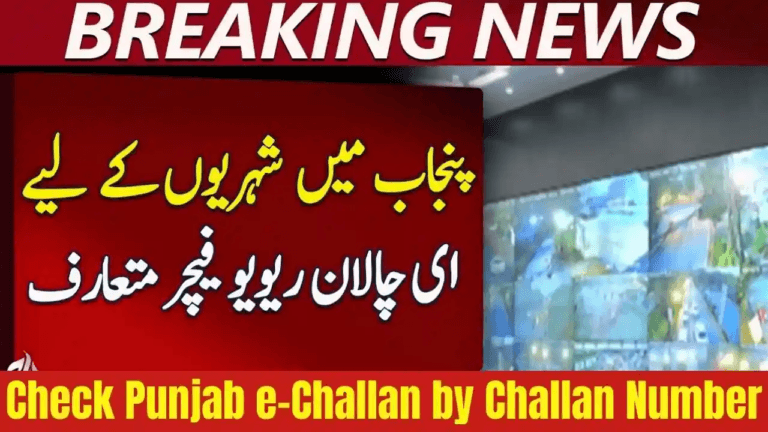
Checking your bike e-challan in Punjab has become quick and simple due to the fully automated digital enforcement system introduced by the Punjab Safe Cities Authority (PSCA). Motorcyclists can now verify their traffic fines online within seconds using only their motorcycle registration number and CNIC—no need to visit traffic police offices or stand in long queues.
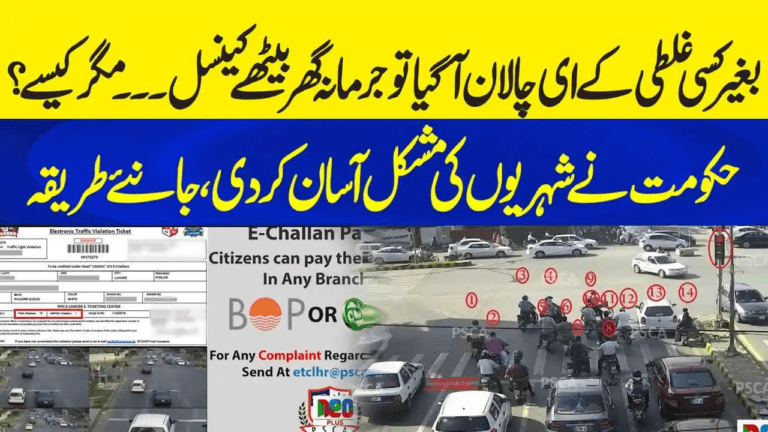
Whenever a camera detects a traffic violation such as riding without a helmet, wrong-way driving, or jumping a signal, the system automatically issues a digital challan and links it to the bike’s registration record. Since the entire process is electronic, it is important for every rider to regularly check their challan status to avoid penalties, registration blocks, or legal issues.
This complete motorcycle guide explains every method available to check your bike e-challan in Punjab, how to pay the fine, how to handle number-plate issues, and how to avoid future violations.
What Is a Bike e-Challan in Punjab?
A bike e-challan is an electronic traffic fine issued by the PSCA using CCTV cameras and ANPR (Automatic Number Plate Recognition) technology. Once a violation is recorded, the challan is generated automatically and linked to:
- Motorcycle registration number
- Owner CNIC
- Camera snapshot evidence
The challan appears on the online portal and may also be sent through SMS or courier, depending on city integration.
Common Reasons Motorcyclists Receive e-Challans
Most bike e-challans in Punjab are issued for:
- Riding without a helmet
- Wrong-way driving
- One-wheeling or stunt riding
- Red-signal violations
- Over-speeding
- Missing or unreadable number plates
- Using fancy/modified number plates
- Illegal parking
How to Check Bike e-Challan in Punjab — All Official Methods
Method 1: Online Check via PSCA Website (Fastest)
Steps:
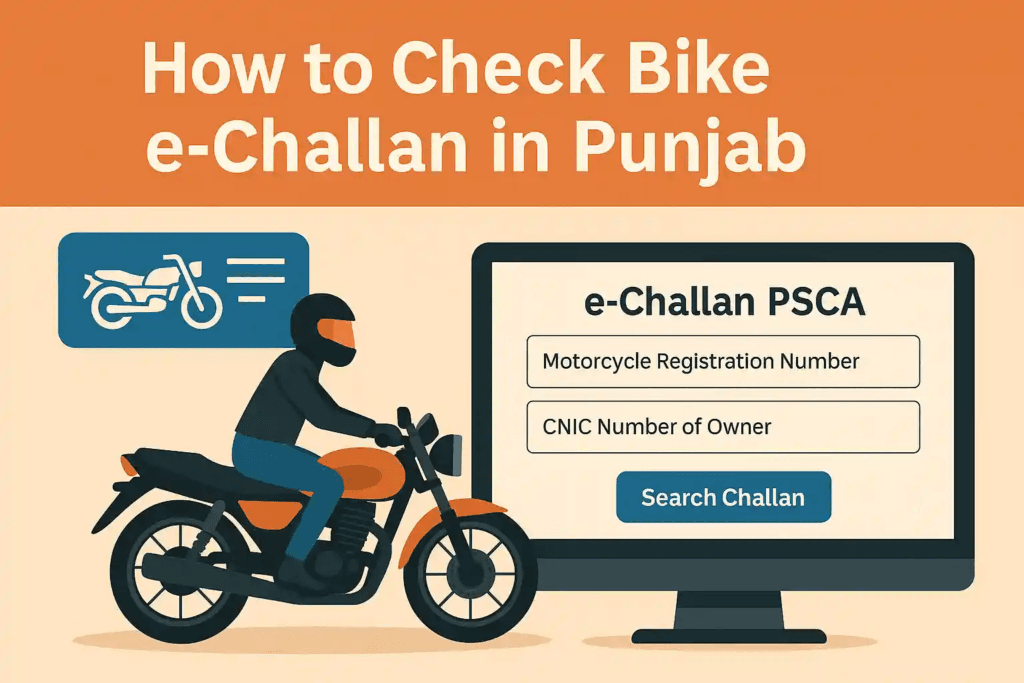
- Open the official portal:
https://echallan.psca.gop.pk - Enter:
- Motorcycle registration number
- Owner CNIC
- Click Search Challan
- View:
- Violation type
- Date & location
- Fine amount
- Payment status
- Camera image (if available)
- Download or print the challan slip if needed.
Method 2: Check via PSCA Mobile App
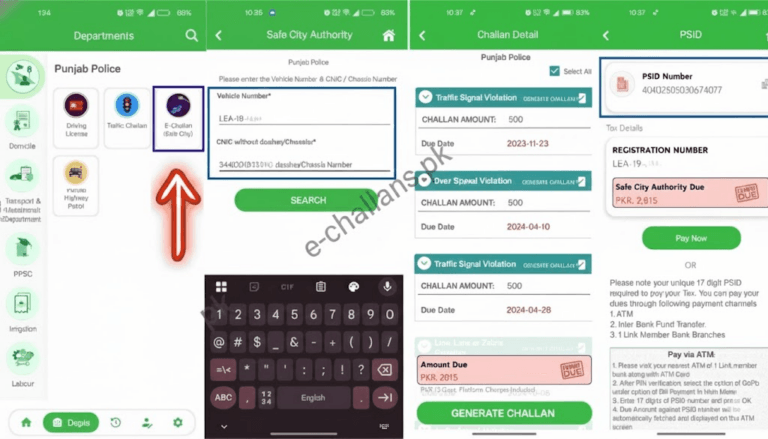
The official Punjab e-Challan App allows quick checking from your phone.
Steps:
- Install the app from Google Play Store (search “Punjab e-Challan”).
- Open the app → Choose Vehicle Inquiry.
- Enter:
- Bike registration number
- CNIC
- View all pending and paid challans instantly.
Method 3: SMS Service (Limited Areas)
Some districts provide an SMS inquiry service.
Format:
- Send:
BikeNumber CNICto the local PSCA helpline number (where active).
Note:
SMS checking is not currently supported in all Punjab cities. Online checks remain the most reliable option.
How to Pay Bike e-Challan in Punjab
1. Pay Online Using e-Pay Punjab
Steps:
- Open e-Pay Punjab App
- Select Traffic Challan
- Enter registration number and CNIC
- Pay via:
- JazzCash
- Easypaisa
- Debit card
- Online banking
Payment updates automatically in the PSCA system.
2. Pay Through ATM
- Insert card
- Select Bill Payment
- Choose Traffic Challan
- Enter challan number
- Complete payment
3. Pay at Bank Branch
Visit any participating bank branch with:
- Challan slip
- CNIC
Cash payment is accepted.
4. Payment at NADRA e-Sahulat / CSC Centers
Present your challan slip at an authorized center to pay in cash.
Lost or Unreadable Number Plate — What to Do
If your motorcycle number plate is:
- Lost
- Damaged
- Faded
- Non-standard
PSCA cameras may fail to scan your plate correctly or may issue challans for unreadable plate violation.
Solution:
- Apply for a duplicate number plate at your local Excise Office.
- Use a temporary paper plate until the official replacement is issued.
- Continue to check challans using your registration number and CNIC, even if the plate is missing.
Tips to Avoid Bike e-Challans in Punjab
- Always wear a certified helmet
- Use only original Punjab registration plates
- Never ride against traffic flow
- Stop fully at red signals
- Follow lane discipline
- Do not use fancy or custom number plates
- Avoid speeding, especially near camera zones
Safe riding prevents not only fines but also accidents and injuries.
FAQs — Bike e-Challan Punjab
Can I check my bike challan without CNIC?
No. Both registration number and owner CNIC are required to view challans on the PSCA system.
Why is my challan not appearing online?
Recent violations may take 24–48 hours to appear on the portal.
Can I pay the challan in cash?
Yes. Cash payment is accepted via banks, ATM counters, and NADRA e-Sahulat centers.
How do I download my challan slip?
Use the PSCA website → Search your challan → Click Download / Print.
What happens if I don’t pay my challan?
Unpaid challans may lead to:
- Blocking of token tax renewal
- Ownership transfer restrictions
- Traffic clearance issues during inspections
Can I check someone else’s bike challan?
Yes, if you have access to their motorcycle number and CNIC.
Is this system active across all Punjab cities?
Yes. The PSCA e-challan system currently covers:
- Lahore
- Rawalpindi
- Faisalabad
- Multan
- Gujranwala
- Sialkot
- Bahawalpur
- And multiple additional districts
Conclusion
The Punjab bike e-challan system makes traffic enforcement fully digital and transparent. Riders can now check challans in seconds using the PSCA website or mobile app, pay fines conveniently online or offline, and download proof instantly. Regular challan checks combined with safe riding habits help prevent future penalties while promoting safer roads across Punjab.