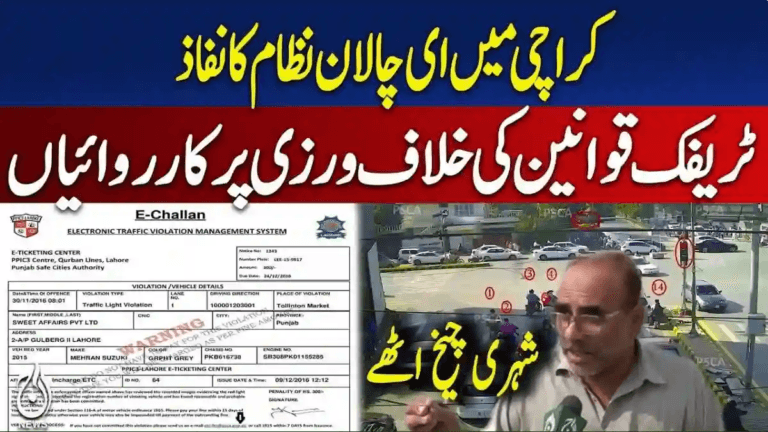
How to Cancel a Wrong PSCA E-Challan from Home – Complete 2025 Guide
Introduction – Dispute Incorrect E-Challans Without Visiting Offices
Receiving an incorrect traffic e-challan can be both stressful and confusing. Whether the fine resulted from an ANPR camera misread, duplicated number plate, or a technical system error, many drivers encounter this issue every year.
To make the process easier, the Punjab Safe Cities Authority (PSCA) has launched a fully online and home-based cancellation process that allows citizens to contest wrong challans without visiting traffic police offices or Safe City centers.
This detailed guide explains how to dispute a false PSCA e-challan, the information required, how to submit your case properly, and how to maximize your chance of successful cancellation.
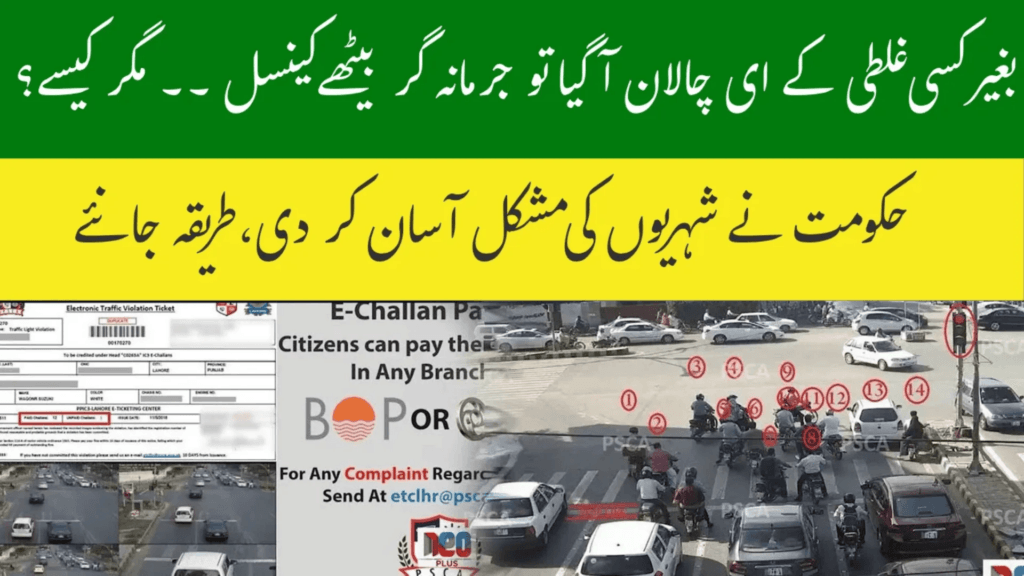
Cancel Wrong PSCA E-Challan Online – Step-by-Step Guide (2025)
Understanding the PSCA E-Challan System
An e-challan is an electronic traffic ticket automatically issued through AI-enabled surveillance cameras operated by PSCA across Punjab. These cameras detect violations including:
- Over-speeding
- Red-signal jumping
- Illegal parking
- Lane discipline violations
Although the system has significantly reduced corruption and human errors, incorrect challans can still occur due to technical or data issues. Thankfully, there is now a fast and fully digital dispute process available.
Common Reasons for Receiving a Wrong E-Challan
Incorrect challans usually happen because of:
- ANPR camera misreading vehicle numbers
- Duplicate or counterfeit number plates
- Incorrect timestamps or location tagging
- System glitches or technical recording errors
If you face any of these issues, you can challenge the challan easily — directly from home.
PSCA’s Online Challan Cancellation Service
To improve public convenience, PSCA has introduced a remote dispute mechanism, allowing challenged e-challans to be reviewed by authorities via official email submission only. No physical visits to police or Safe City offices are required.
Official Method to Cancel a Wrong E-Challan
Submit your dispute with full details to the official PSCA cancellation email:
Step-by-Step Cancellation Process
✅ Step 1: Collect Required Details
Before sending your request, prepare the following information:
- Vehicle registration number
- Challan number (from the e-challan slip)
- Date and time of violation
- Location shown on challan
- Your contact number
- Written reason explaining the mistake
- Supporting evidence
Acceptable Evidence
Any proof demonstrating error or mistaken identity, such as:
- Dash-cam video
- Nearby CCTV screenshots
- GPS tracking data or location logs
- Repair workshop receipts
✅ Step 2: Write Your Email
Use this simple professional format for your dispute message:
Subject: Request for Cancellation of Wrong E-Challan
Dear PSCA Traffic Management Team,

I am writing to formally dispute e-challan number [XXXXXXX] issued to vehicle [ABC-123] on [date] at [location].

After reviewing the details, I believe this challan was issued incorrectly due to [state reason]. At the time of the alleged violation, my vehicle was [brief explanation].

I have attached evidence for your verification and kindly request cancellation of this challan.

Thank you for your assistance.

Sincerely,
[Full Name]
[Contact Number]
✅ Step 3: Attach Evidence
Add all relevant supporting files clearly showing that the violation was mistakenly recorded.
✅ Step 4: Send the Email
Send your completed email with attachments to:
After Submission – What Happens Next?
Once PSCA receives your email:
- Your challan record is reviewed
- All submitted evidence is analyzed
- Authorities validate or dismiss your request
Possible Outcomes:
- ✅ Dispute approved → Challan canceled permanently
- ❌ Dispute rejected → Challan remains valid
You will receive confirmation via SMS or email once a decision is finalized.
Why This Digital Cancellation System Matters
PSCA’s remote dispute facility is a major step forward for Pakistan’s traffic governance because it:
- Promotes fair and transparent enforcement
- Empowers citizens to challenge unjust penalties
- Eliminates travel costs and long office queues
- Reduces paperwork and processing delays
- Strengthens public trust in traffic management systems
This initiative reflects Punjab’s broader shift toward digital governance and citizen-centric services.
Tips to Improve Your Success Rate
- Keep your explanation clear and respectful
- Attach verifiable evidence whenever possible
- Mention accurate challan and vehicle details
- Submit disputes quickly after receiving the challan
- Use professional language at all times
Mistakes That Could Delay Rejection
Avoid these common errors:
- Incomplete challan or vehicle information
- Emotional or aggressive emails
- Missing or weak evidence
- Ignoring replies or follow-up communications from PSCA
Maintaining professionalism drastically improves processing speed.
Final Advice – Handle Wrong E-Challans Confidently
Wrong traffic fines no longer mean office visits or endless follow-ups. PSCA’s online dispute system allows every driver to pursue fair correction directly from home.
By submitting a clear email with accurate details and supporting proof, you can protect your driving record efficiently and confidently.
Don’t ignore false e-challans — challenge them promptly and responsibly.
This citizen-focused solution ensures justice, transparency, and convenience for motorists across Punjab.