How to Check E-Challan by CNIC in Pakistan (2026 Updated Guide)
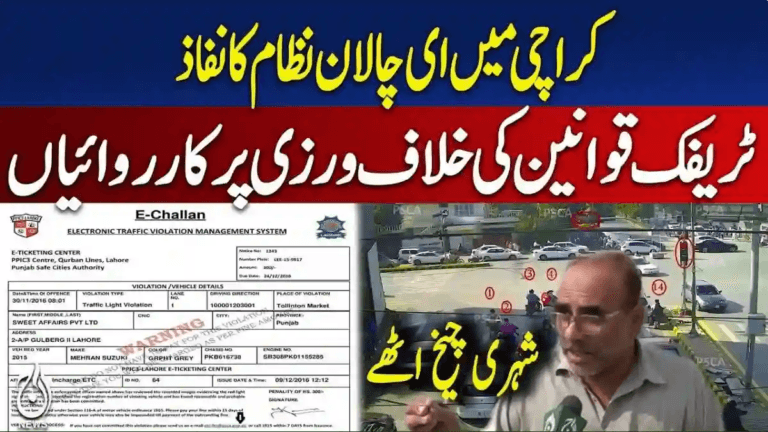
Checking an e-challan by CNIC in Pakistan has become faster, more accurate, and fully integrated with national databases. In 2026, Safe City authorities and Excise departments across Punjab, Sindh, Islamabad, and Khyber Pakhtunkhwa are increasingly relying on CNIC-based verification to help vehicle owners track traffic fines — especially when number plates are delayed, AFR registrations are applied, or SMS alerts fail.
For drivers who want a broader understanding of how digital enforcement works nationwide, the complete workflow is explained in this e-challan guide covering Safe City systems across Pakistan.
What Is CNIC-Based E-Challan Checking?
CNIC-based challan lookup allows vehicle owners to check pending and paid traffic challans using their Computerized National Identity Card (CNIC) instead of relying solely on a vehicle number.
This method is particularly useful when:
- The vehicle is registered as AFR (Applied For Registration)
- Number plate data has not yet synced
- No SMS notification was received
- Ownership was recently transferred
- Multiple vehicles are registered under one CNIC
In 2026, traffic systems are increasingly synced with Excise CNIC records, making challan retrieval faster than traditional plate-only searches.
Fastest Methods to Check E-Challan by CNIC in Pakistan (2026)
Below are the working and officially supported methods for CNIC-based challan verification.
Punjab: CNIC-Based E-Challan Check (Safe City Authority)
Punjab has the most advanced CNIC-linked challan system in Pakistan.
Traffic violations recorded by Safe City cameras are stored in a centralized database operated by the Punjab Safe Cities Authority, which can be accessed through the official e-challan system at
https://echallan.psca.gop.pk/
By entering your 13-digit CNIC (without dashes), drivers can view challans even if the vehicle number is missing or AFR-based.
Displayed violations typically include:
- Red-signal jumping
- Lane violations
- Over-speeding
- Illegal or unreadable number plates
- Motorway M-Tag challans
- AFR-linked challans
After clearing a fine, many users confirm removal using the steps outlined in how to verify e-challan payment to ensure records are updated.
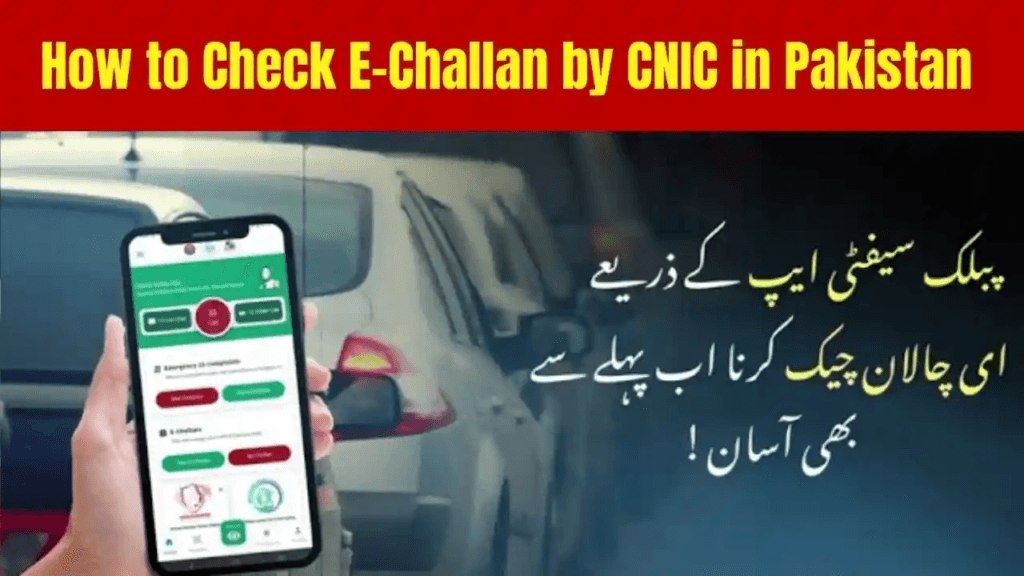
CNIC-Based E-Challan Checking Through Safe City Mobile Apps
In cities such as Lahore, Rawalpindi, and Islamabad, official Safe City mobile apps now support CNIC-linked challan viewing.
After registering with your CNIC, the system automatically links all vehicles registered in your name and displays traffic violations under one profile. This method is ideal for drivers who want real-time alerts and push notifications.
CNIC-Based Challan Check via Excise & Taxation Records
If CNIC-only lookup is not fully enabled in your city, challans can still be traced using Excise records.
After entering your CNIC on the provincial Excise portal, you can:
- View vehicles registered under your name
- Access linked traffic violations
- Identify unpaid and paid challans
This method often reveals challans that appear during vehicle transfer or resale, a scenario commonly discussed in checking all traffic fines linked to your CNIC.
CNIC-Based E-Challan Check via SMS (Limited Availability)
In some regions, SMS-based challan inquiry is available.
Drivers send their CNIC number to an official inquiry code and receive:
- Total number of fines
- Violation type
- Due amount
- Payment deadline
While limited, this option helps drivers without internet access.
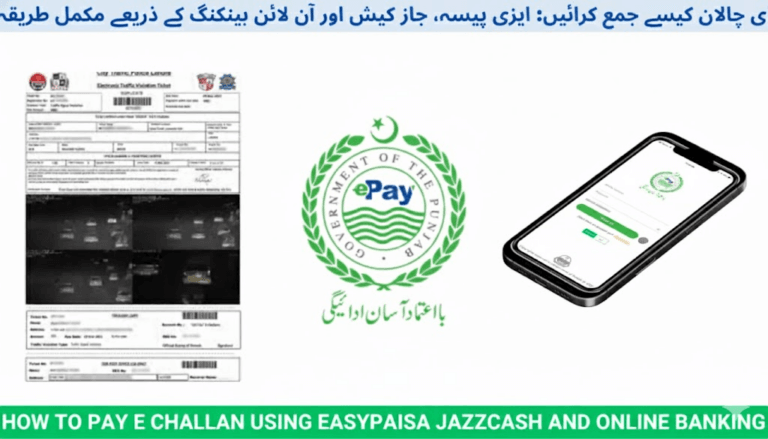
How to Pay Your E-Challan After CNIC Verification
Once a challan appears, payment can be made through multiple channels.
Most drivers prefer digital options such as:
- Online banking apps
- Mobile wallets
- ATMs
- NADRA e-Sahulat centres
Step-by-step payment methods are explained in how to pay e-challan online in Pakistan, while mobile wallet users often follow the process detailed in how to pay e-challan via JazzCash.
Payment status usually updates within 5–10 minutes, though occasional system delays may occur.
Why CNIC-Based E-Challan Checking Is Better in 2026
CNIC-based lookup offers several advantages:
- Works even when number plates are missing or delayed
- Shows challans for all vehicles linked to one CNIC
- Faster than registration-only searches
- Helps detect challans after selling a vehicle
- Prevents late-fee penalties
- Useful during vehicle transfer or token tax processing
Drivers who ignore unpaid challans often face consequences explained in what happens if you don’t pay an e-challan in Pakistan.
Common Issues and Their Solutions
No Challan Found Despite a Violation
Safe City systems may take 5–24 hours to sync a new violation.
Wrong Challan Linked to Your CNIC
Corrections can be requested through Safe City or Traffic Police offices.
Vehicle Sold but Challans Still Showing
Ownership must be updated with the Excise Department; old challans remain until transfer completion.
Conclusion
Checking e-challans by CNIC in Pakistan is now the most reliable and efficient method in 2026. With Safe City systems integrated into Excise and national databases, drivers can track violations even without a registered number plate.
Using CNIC-based verification helps avoid penalties, ensures accurate vehicle records, and gives drivers full control over their traffic compliance across Pakistan.
FAQs – How to Check E-Challan by CNIC in Pakistan
Can I check challans for multiple vehicles using one CNIC?
Yes, all vehicles registered under your CNIC will appear together.
Is CNIC-based challan checking available in Sindh?
Partially. Many challans appear through Excise linkage, with expanded support rolling out in 2026.
Can I check an e-challan without a vehicle number?
Yes, CNIC-based lookup works without registration details in most cases.
How soon does a challan appear in CNIC records?
Typically within 5–24 hours after the violation.
What should I do if a challan is issued by mistake?
You can request correction through the relevant Safe City or Traffic Police authority.