How to Check E-Challan by Vehicle Number in Pakistan (2026 Guide)
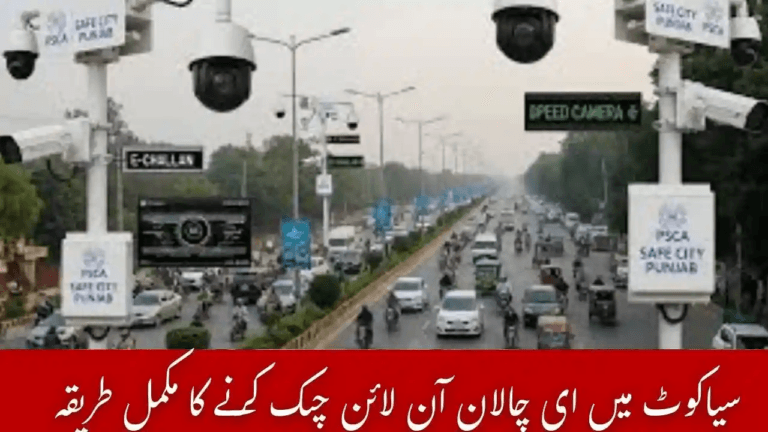
Checking an e-challan by vehicle number in Pakistan has become a routine task for drivers as traffic enforcement systems move fully online. Instead of visiting traffic police offices, vehicle owners can now verify challans using their registration number through official Safe City and police portals.
Whether you are driving in Punjab, Sindh, Islamabad, or Khyber Pakhtunkhwa, traffic violations recorded through cameras and wardens are stored digitally. Regularly checking your challan record helps you avoid penalties, transfer issues, and complications during vehicle resale — a process explained in detail in our guide on checking e-challan status in Pakistan.
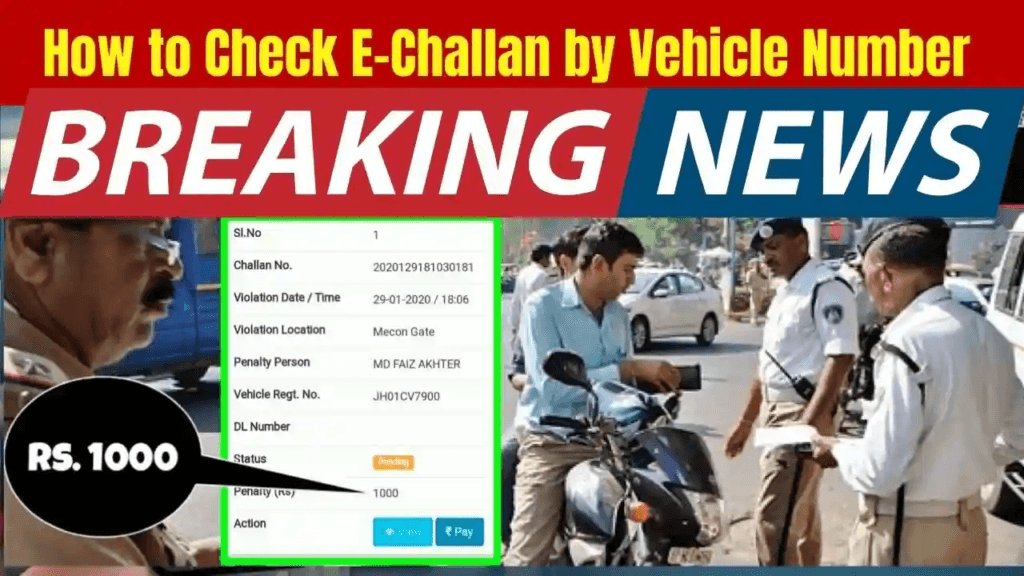
This Pakistan-wide guide explains how to check e-challans by vehicle number, verify violations, pay fines online, and handle common issues such as challans not appearing or incorrect entries.
What Is an E-Challan?
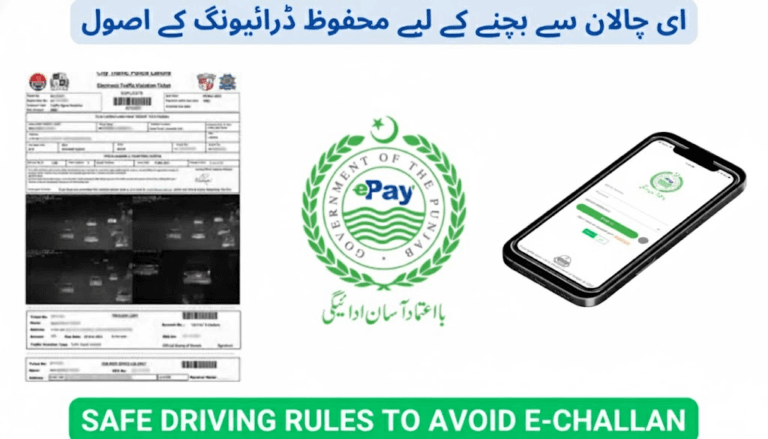
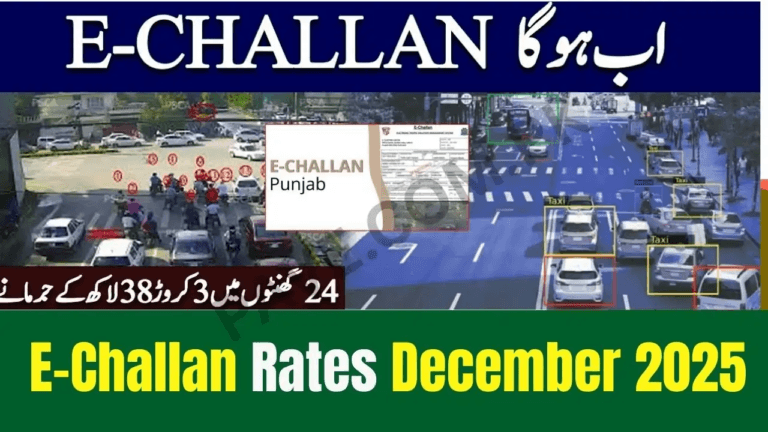
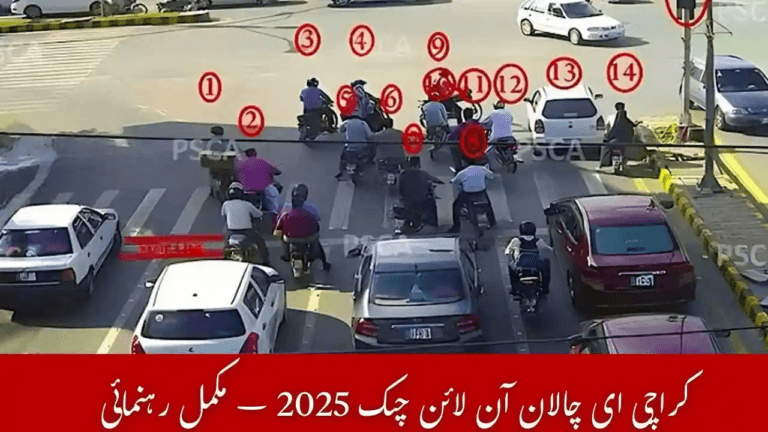
An e-challan is a digital traffic fine issued when a violation is detected through Safe City cameras or traffic police systems. Common reasons for issuing an e-challan include overspeeding, red-signal jumping, wrong parking, lane violations, helmet or seatbelt offences, and motorway M-Tag violations.
All issued challans are linked to the vehicle record and can be checked online using the registered number plate.
How to Check E-Challan by Vehicle Number in Pakistan
Each province operates its own e-challan system, but the basic method remains the same: enter your vehicle registration number and review the challan record.
Punjab: Check E-Challan by Vehicle Number (Safe City Authority)
Punjab has the most developed digital traffic enforcement system, operated by the Punjab Safe Cities Authority and covering cities such as Lahore, Rawalpindi, Faisalabad, Multan, and Gujranwala.
Traffic violations captured through Safe City cameras are stored in a centralized system that vehicle owners can access through the official PSCA e-challan portal at https://echallan.psca.gop.pk/.
After entering the vehicle registration number, the system displays recorded violations along with photo evidence and payment status. CNIC is not mandatory for checking and is mainly required at the payment stage.
To ensure records are accurately updated after clearing a fine, many drivers confirm the result using the method explained in how to verify e-challan payment.
Sindh: Check E-Challan by Vehicle Number (Karachi & Other Cities)
Sindh Police operates an online challan system linked with Safe City Karachi and traffic police enforcement.
By entering the vehicle registration number, drivers can view challans issued for violations such as speeding, signal breaking, or illegal parking. The portal shows both paid and unpaid challans without requiring CNIC details.
Drivers in Karachi often follow this process alongside city-specific checks outlined in e-challan Karachi check by vehicle number to ensure no pending fines remain.
Payment availability may vary by city but often includes banking apps and mobile wallets.
Islamabad: Check E-Challan by Vehicle Number (ICT & Motorway Integration)
Islamabad Capital Territory Police manages traffic challans through the Safe City Islamabad system.
Drivers can verify challans using their vehicle number, and some motorway-related fines may also appear through integrated M-Tag records. This allows Islamabad drivers to monitor both city and motorway violations under one vehicle profile.
Khyber Pakhtunkhwa: Check E-Challan by Vehicle Number
Khyber Pakhtunkhwa’s e-challan system is still expanding, but major cities now support digital verification.
Drivers can check challans related to speeding, helmet violations, and parking by entering the vehicle number on provincial traffic portals. Where supported, challan copies can also be downloaded for records.
Why Your E-Challan May Not Appear Online
Sometimes, no challan appears even after a violation. Common reasons include:
- Incorrect number plate format
- System update delay (often 24–48 hours)
- AFR (Applied For Registration) vehicles
- Recent ownership change not updated in Excise records
- Camera misread or unclear plate capture
Using the exact registration format improves accuracy and reduces errors.
Correct Vehicle Number Format Examples
- Punjab: LEA-1234, LED-9921
- Sindh: KAR-1234, ATF-998
- Islamabad: ABC-123, GZ-200
- KPK: PK-1234, ABT-778
Avoid spaces, symbols, or decorative fonts.
Benefits of Checking E-Challan Online
Regular e-challan verification helps drivers:
- Avoid late penalties and vehicle restrictions
- Clear fines before excise or transfer issues
- Download challan records when needed
- Track driving history
- Prevent problems during vehicle sale or purchase
Drivers who ignore unpaid fines often face consequences described in what happens if you don’t pay an e-challan in Pakistan.
How to Pay E-Challan After Checking by Vehicle Number
Once a challan appears, payment can usually be made through:
- Online banking apps
- JazzCash or Easypaisa
- ATM machines
- NADRA e-Sahulat centres
- Designated Safe City counters
Payment methods and wallet options are explained in detail in how to pay e-challan online in Pakistan.
Tips to Avoid Wrong or Duplicate E-Challans
- Use standard number plates only
- Avoid fancy fonts or plate covers
- Keep vehicle ownership information updated
- Transfer ownership promptly after selling a vehicle
These steps reduce camera misreads and operator errors.
Conclusion
Checking an e-challan by vehicle number in Pakistan is now quick, transparent, and fully digital. Whether you drive in Punjab, Sindh, Islamabad, or Khyber Pakhtunkhwa, online systems allow you to verify, download, and pay traffic fines with ease.
Making regular challan checks a habit helps you avoid penalties and keeps your vehicle record clean as Safe City enforcement continues to expand nationwide.
Frequently Asked Questions (FAQs)
Can I check my e-challan without CNIC?
Yes, in most provinces you can verify challans using only your vehicle registration number.
How long does a new e-challan take to appear online?
Usually within 24–48 hours, though some appear sooner depending on system updates.
Can I pay an e-challan through JazzCash or Easypaisa?
Yes, mobile wallet payments are supported in most regions.
What should I do if I receive a wrong e-challan?
You can file a dispute through the relevant traffic police or Safe City authority with supporting documents.
Can I check challans for AFR vehicles?
Yes, but details may appear delayed until full vehicle registration is completed.