Petrol and Diesel Prices May Increase Soon in Pakistan | New Rates Expected on 16 December 2025
Checking an e-challan online in Pakistan has completely changed how traffic fines are issued, tracked, and paid. Across Punjab, Sindh, Islamabad, and Khyber Pakhtunkhwa (KPK), Safe City authorities and traffic police departments now rely on digital systems that allow drivers to verify challans within minutes—without visiting any traffic office.
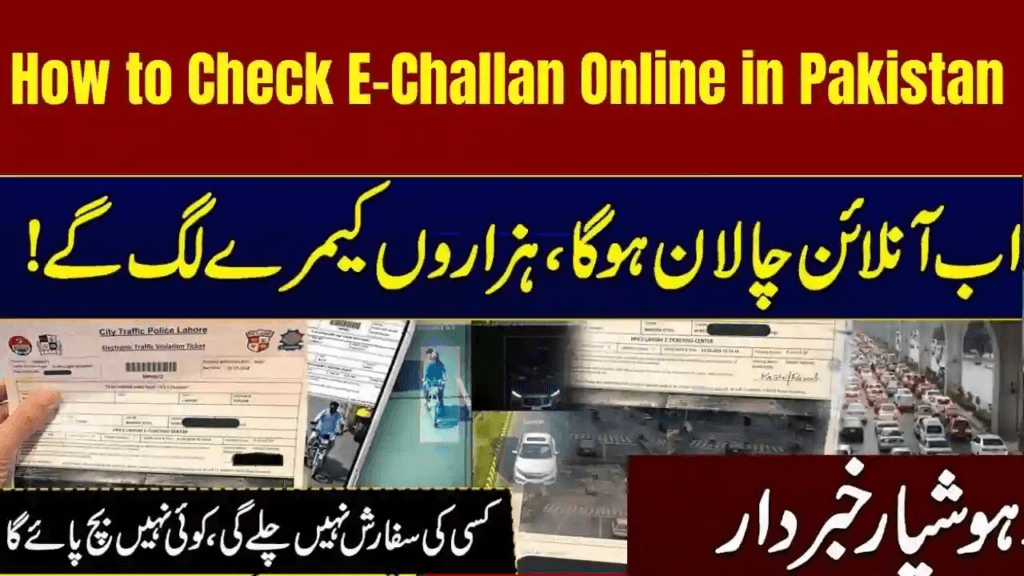
With cameras, ANPR systems, and centralized databases active nationwide, regularly checking your e-challan record helps you avoid late penalties, ownership issues, and unexpected fines. Drivers unfamiliar with the broader system can first understand how digital enforcement works in Pakistan through this e-challan guide.
What Is an E-Challan in Pakistan?
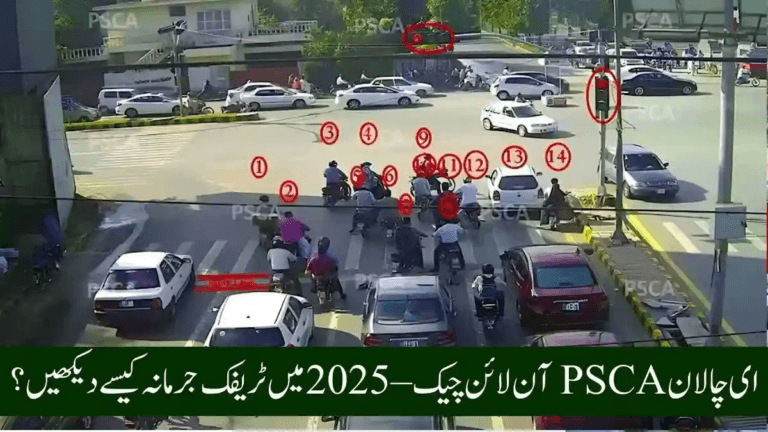
An e-challan is a digital traffic violation ticket generated when a vehicle violates traffic rules. These violations are recorded through:
- Safe City surveillance cameras
- Automatic Number Plate Recognition (ANPR)
- Traffic police enforcement systems
Instead of physical slips, all challan data is stored online and can be checked using:
- Vehicle registration number
- CNIC (in selected cities)
- Challan or PSID number
Why Checking E-Challan Online Is Important
Online challan verification helps drivers:
- Avoid late-fee penalties
- Detect wrong or duplicate challans early
- Pay fines instantly
- Maintain transparency in enforcement
- Save time and fuel
Consequences of ignoring challans are explained in what happens if you don’t pay an e-challan in Pakistan.
How to Check E-Challan Online in Punjab
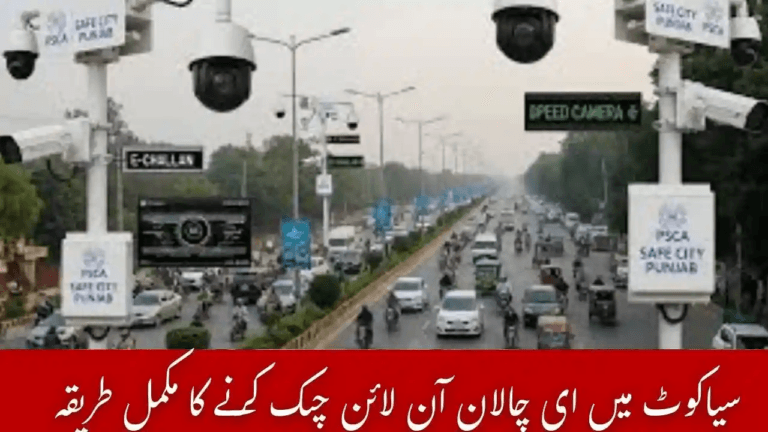
Punjab operates Pakistan’s most advanced e-challan system under the Punjab Safe Cities Authority.
Traffic violations recorded across Lahore, Rawalpindi, Faisalabad, Multan, Gujranwala, and other cities are stored in a centralized database accessible through the official PSCA platform at
https://echallan.psca.gop.pk/
After entering your vehicle registration number (CNIC optional), the system displays violation details, evidence, and payment status. Many users double-check records after clearing fines by following the process explained in how to verify e-challan payment.
Punjab users can also benefit from city-specific guidance such as e-challan check Lahore.
How to Check E-Challan Online in Sindh (Karachi & Other Cities)
Sindh Police operates a digital challan system integrated with Safe City Karachi.
Drivers can verify challans by entering their vehicle number, which displays speeding, signal, lane, and parking violations. Karachi drivers often follow the same process used for e-challan Karachi online check to ensure no pending dues remain.
Sindh is actively expanding camera coverage, as outlined in Sindh e-challan system expansion.
How to Check E-Challan Online in Islamabad
Islamabad’s traffic enforcement is managed through Safe City Islamabad and the Islamabad Traffic Police.
Drivers can check challans using their vehicle number, with some fines linked to motorway or M-Tag violations. Islamabad-specific checks are commonly performed through the ITP e-challan system.
The system allows users to download challan records and proceed with digital payments.
How to Check E-Challan Online in Khyber Pakhtunkhwa (KPK)
KPK’s e-challan system is expanding across major cities such as Peshawar and Abbottabad.
Drivers can verify challans related to speed, helmet, lane, and parking violations using provincial traffic systems. In some cases, records appear through linked driving license or vehicle databases.
Because adoption varies by district, some challans may still appear with slight delays.
How to Pay E-Challan Online in Pakistan
Once a challan is identified, drivers can clear fines through multiple channels:
- Mobile wallets
- Online banking apps
- ATM machines
- NADRA e-Sahulat centres
The full process is explained in how to pay e-challan online in Pakistan, while mobile users often prefer paying e-challan via JazzCash.
Payment status usually updates within 5–20 minutes, depending on the platform.
Common Reasons an E-Challan May Not Appear
- System update delay
- Wrong number plate format
- Recent ownership transfer not updated
- AFR (Applied-For-Registration) vehicles
- Temporary Safe City server downtime
Drivers facing such issues often check alternate methods explained in how to check e-challan without a vehicle number.
Tips to Avoid E-Challans
- Wear seatbelts and helmets
- Use standard, readable number plates
- Follow lane discipline
- Observe red signals
- Stay within ANPR-monitored speed limits
Practical guidance is also covered in safe driving rules to avoid e-challan.
Conclusion
Online e-challan checking in Pakistan has made traffic fine management faster, simpler, and more transparent. Whether you drive in Punjab, Sindh, Islamabad, or KPK, digital systems allow you to verify, download, and pay challans within minutes.
Making regular challan checks part of your routine helps you avoid penalties and maintain a clean driving record as Safe City enforcement continues to expand nationwide.
FAQs – How to Check E-Challan Online in Pakistan
Can I check an e-challan without CNIC?
Yes, most provinces allow challan verification using only the vehicle number.
How can I download my e-challan copy?
Provincial portals provide PDF downloads once challan details are displayed.
What if my challan is issued by mistake?
You can file a dispute with the relevant traffic police or Safe City authority along with supporting documents.
Do AFR vehicles receive e-challans?
Yes, but details may not appear correctly until full registration is completed.
Is a late fee applied on unpaid e-challans?
Yes, in many cities additional penalties apply after the due date.